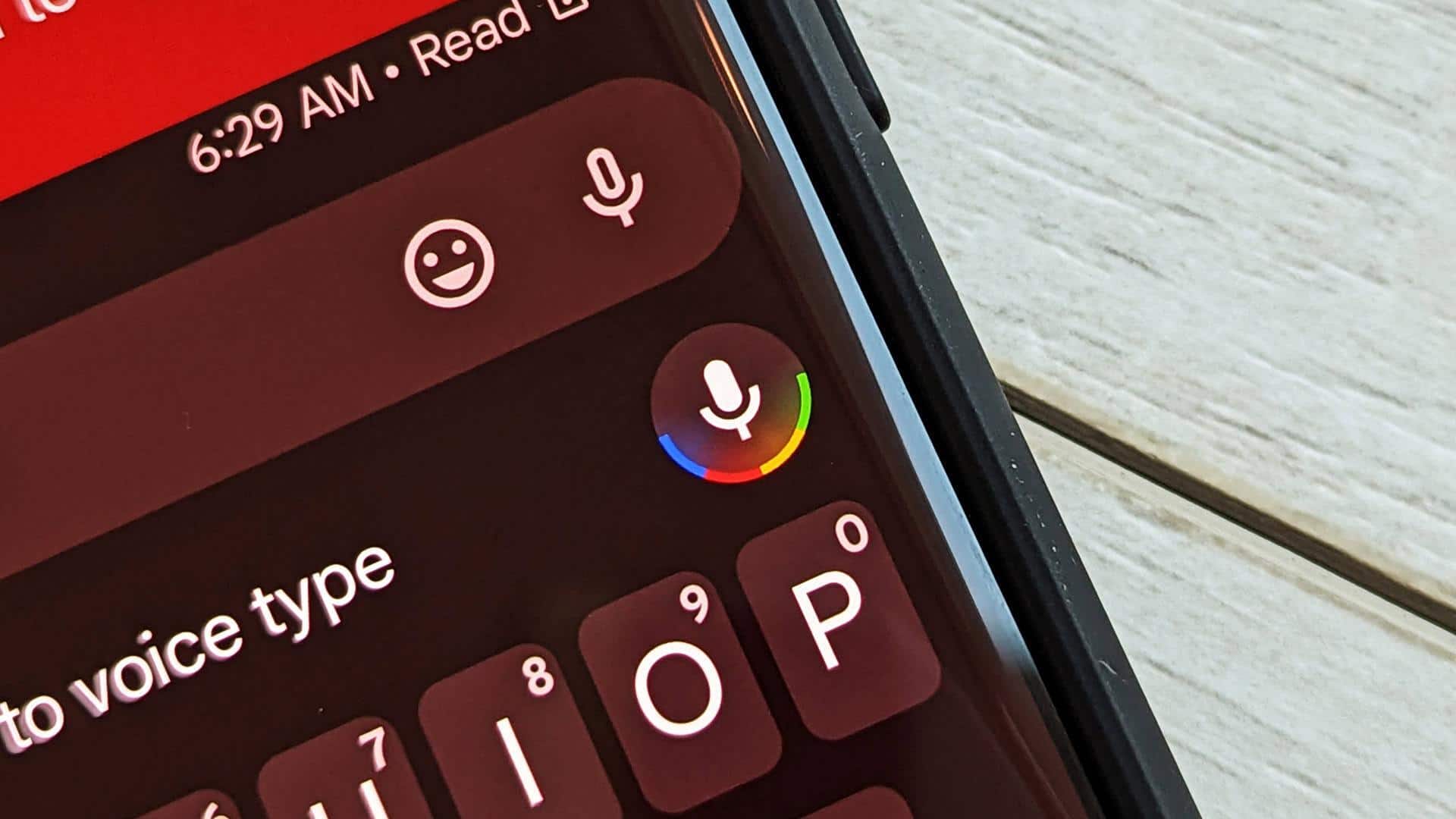
#TechBytes: How to 10x your productivity with voice typing
What's the story
Voice typing is a super convenient tool that can save you a lot of time and effort. But, to make sure your voice typing is accurate, you need to follow some tips. From clear speech to proper punctuation, these tips can help you get the most out of voice typing. Here are five practical tips to improve the accuracy of your voice typing.
Tip 1
Speak clearly and at a steady pace
Speaking clearly and at a steady pace is essential for accurate voice typing.
If you speak too fast or mumble your words, the software may misinterpret what you're saying.
Try to articulate each word properly and maintain a moderate speed.
This way, the voice recognition software can process your speech more accurately, reducing errors in transcription.
Tip 2
Use correct punctuation commands
Punctuation is key in making your text readable.
Most voice typing software has specific commands for punctuation marks like period, comma, question mark, and so on.
Knowing these commands and using them while dictating can make your transcriptions a lot clearer and more accurate.
For example, saying "comma" when you want a comma goes a long way in making your text readable.
Tip 3
Minimize background noise
Background noise can confuse voice recognition software and make it less accurate.
To avoid this, try to find a quiet place when you're using voice typing tools.
Close windows or doors, switch off fans or air conditioners, and try to minimize any other sources of noise that could interfere with your recording.
This way, the software can focus on capturing only your voice.
Tip 4
Train the software with your voice
Many voice typing programs provide training sessions to learn your voice better over time.
These sessions usually require you to read out loud certain phrases so that the software can learn how you pronounce different words and phrases.
By training the software with your own voice, you can improve its ability to recognize your speech patterns correctly.
Tip 5
Review and edit transcriptions regularly
Even with the best practices, voice typing is not 100% accurate all the time. So, it's important to review and edit transcriptions regularly.
This way, you can catch any mistakes that may have slipped through during the initial transcription process.
By proofreading, you ensure that the final text is accurate and conveys the intended message without errors.