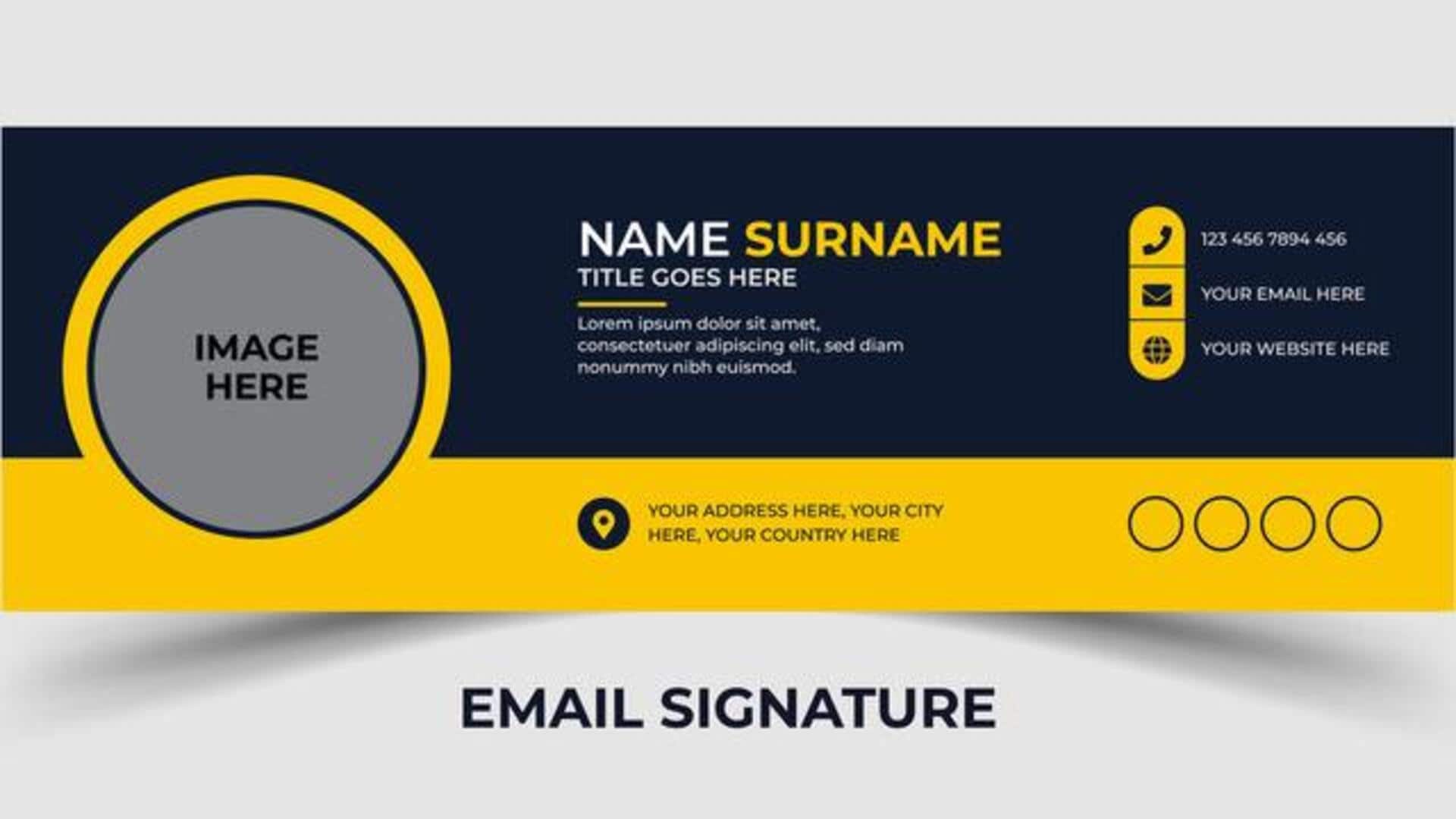
Creating a business card? Try these AI tools
What's the story
In the digital age, a professional email signature serves as a virtual business card, conveying brand identity and key contact details in an instant. With artificial intelligence, this process has evolved, enabling people and companies to create custom, HTML-ready signatures without design skills or coding knowledge. By leveraging AI tools, users can create personalized layouts, fine-tune branding colors, and even analyze performance metrics quickly and efficiently.
Tip 1
Using ChatGPT for signature design
One of the easiest ways to create an email signature is by leveraging ChatGPTwith W3Schools.
Just upload a screenshot of a signature you admire, and ask ChatGPT to recreate it while matching certain brand colors.
It's economical and integrates perfectly with platforms like Gmail and Google Workspace.
Tip 2
MySignature.io's AI enhancements
MySignature.io also offers an AI-powered tool for enhancing email signatures by improving layouts, optimizing colors, and adding professional polish.
The users just have to sign up using Google or LinkedIn accounts, select templates, input details, and let the AI enhance their designs.
The tool works with different email clients, including Gmail, Outlook, Apple Mail, and Thunderbird.
Tip 3
Interactive features with Customesignature.com
For engaging email signatures, you can also try out interactive features from Customesignature.com, such as AI-generated animated logos and dynamic navigation bars.
You can feed branding elements into the system of this platform and create striking designs, which are ready to be deployed in Outlook, instantly.
Tip 4
Aragon.ai's template-based maker
Aragon.ai does provide a free template-based maker that uses AI-driven customization to match your brand colors via hex codes.
You can connect social profiles like LinkedIn, or X (formerly Twitter), and export polished HTML in no time—perfect for crafting impressive signatures in a matter of minutes.
Tip 5
Canva's drag-and-drop editor integration
Canva integrates its drag-and-drop editor and AI content generation tools to create team-branded email signatures for Gmail, Outlook, Yahoo Mail, and others.
With access to over three million free assets, including fonts and icons, teams can collaborate in real time on their designs, ensuring consistency across all communications channels without any hassle.