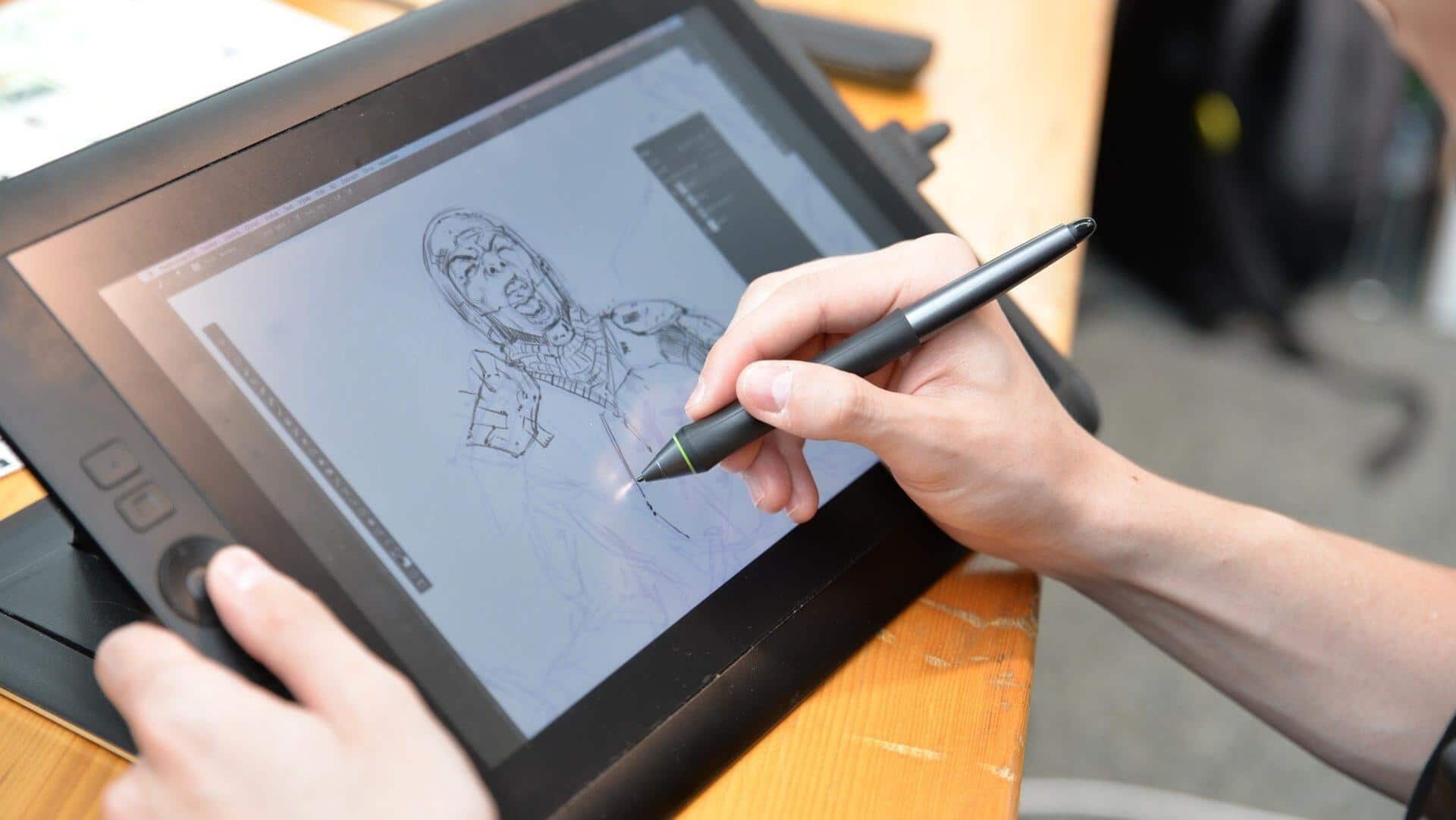
Why digital artists must use AI for better output
What's the story
Today, digital artists can leverage the power of AI tools to streamline their workflows, enhance productivity, and add a professional touch to their work. Whether it is concept art, illustrations, or something experimental, AI enhancement tools can take your creative output to a whole new level. These offer everything from image generation and upscaling to professional editing and seamless workflow integration.
#1
Generation and creation tools
The foundation of AI-enhanced digital art is image generation. Some platforms create high-quality artistic images in return for different pricing plans.
If you are looking for photorealistic results, some of those services offer flexible pricing options starting as low as $20 per month.
Others integrate directly into existing apps at no extra cost. Artists seeking maximum customization can try free open-source options or cloud-based plans starting at $19.
#2
Upscaling and resolution enhancement
One practical enhancement for AI-generated art is upscaling. Some tools creatively upscale images up to eight times resolution, transforming lower quality outputs to 4K or 8K without losing visual fidelity.
Cloud-based solutions offer specialized modes for digital art while preserving original style and colors.
Other approaches not only upscale but also add creative details through guided text prompts.
#3
Professional editing and refinement
For more complex workflows, some software provide pro-level tools with capabilities like AI coloring, perspective correction, and more.
Some programs even analyze your working style to create custom brushes, replicating different effects like watercolor or charcoal.
Even automation of repetitive tasks is available in some platforms, along with real-time style recommendations.
Tip 1
Specialized enhancement features
Some user-friendly design platforms blend ease of use with AI features for as low as $12.99 monthly for those venturing into video creation and editing, with plans between $15 and $95 monthly.
For object manipulation, certain studios let artists add or remove elements in real time, with precision control.
Tip 2
Workflow integration
Modern AI tools are also getting more integrated with workflow automation platforms, allowing artists to automate their creative processes.
With these platforms, you can automate multi-step editing tasks, like background removal or quality enhancement, with just a few clicks.
As soon as the editing is done, you can upload the finished files directly to cloud storage solutions, keeping your workflow smooth and organized.