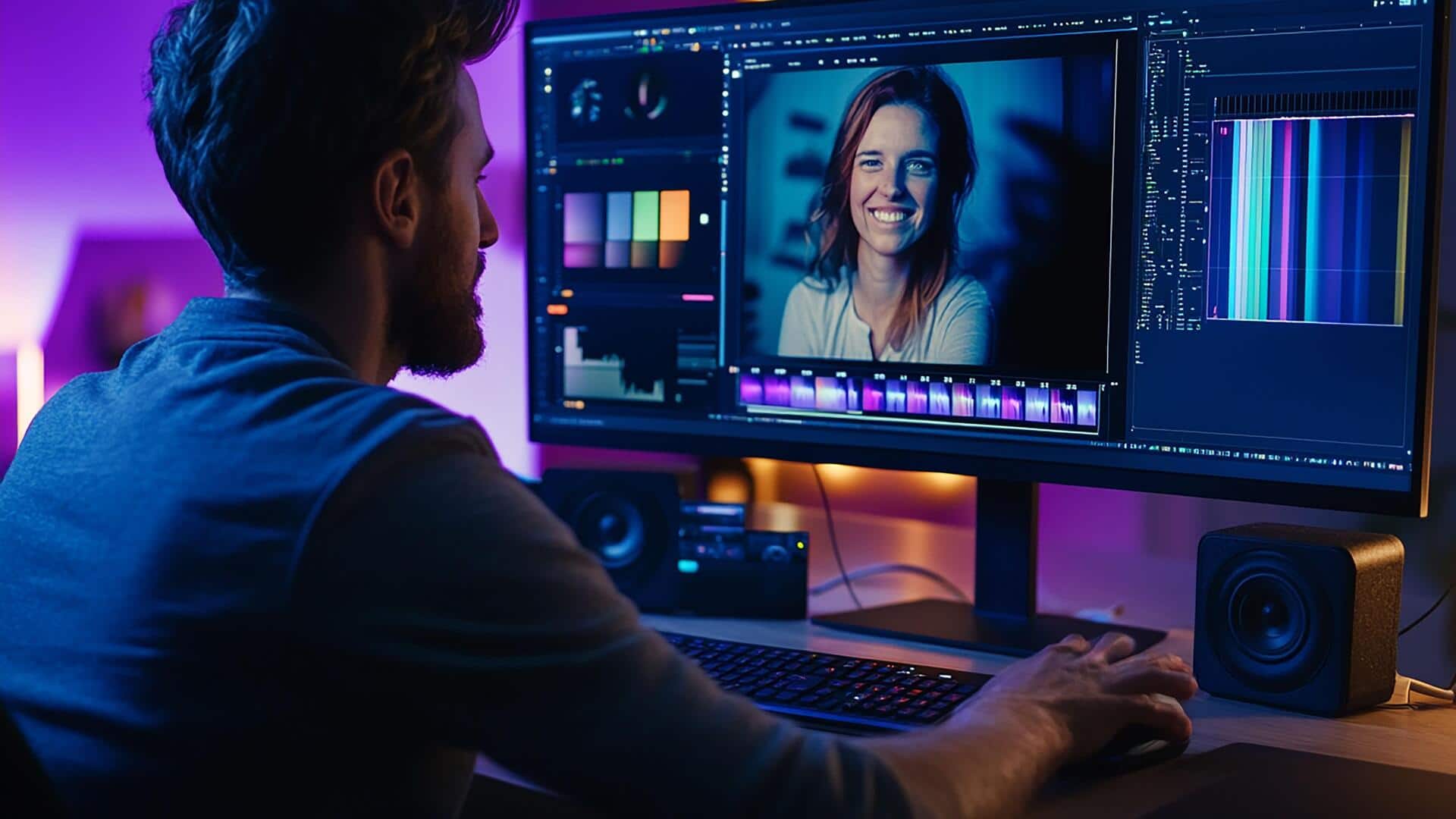
For video editors, these AI tools are a must-have
What's the story
In the fast-paced world of video production, AI tools are revolutionizing post-production, automating repetitive tasks like clipping, captioning, noise removal, and asset creation. This lets editors focus on creative decisions. These advances in 2026 drastically cut editing time while maintaining professional quality. By simplifying workflows from raw footage to publishable clips, these tools empower creators and agencies to seamlessly manage platforms like TikTok, Reels, and Shorts.
#1
Vizard.ai: Revolutionizing social media clips
Vizard.ai is our top pick for converting long-form videos into social-ready shorts.
Its AI clipping engine detects highlights, reframes content vertically, adds captions, and even allows text-based editing. This simplifies the process from raw footage to publishable clips.
It is perfect for creators handling TikTok, Reels, and Shorts content seamlessly.
#2
Eddie AI: Enhancing professional software integration
Eddie AI integrates seamlessly with professional software including Premiere Pro, DaVinci Resolve, and Final Cut Pro.
It excels at extracting viral clips from extensive 4K projects and managing large files over 75GB with remarkable efficiency, surpassing human capabilities.
Such integration simply enhances the workflow for video editors working on complex projects.
#3
Adobe Premiere Pro's Sensei AI: Automating key tasks
Adobe Premiere Pro's Sensei AI automates all the critical tasks one can think of - from auto-reframing and creating speech-to-text captions to color matching and audio cleanup.
It sits right in the middle, combining seamless professional control with the speed of AI to deliver industry-standard results within no time.
And, most importantly, it helps editors maintain high-quality output with reduced manual effort.
#4
DaVinci Resolve AI: Comprehensive post-production suite
DaVinci Resolve AI promises an all-in-one suite with smart reframing capabilities as well as face recognition and speed warp functions.
It is ideal for color correction as well as VFX (Visual Effects) jobs, all within a free professional version that handles audio post-production needs really well too.
Tip 1
Pictory: Simplifying text-first workflows
Pictory simplifies text-first workflows by converting scripts or long videos into branded shorts.
It comes with auto-captions and optional features like voiceovers generated through artificial intelligence technology.
Plus, pre-designed templates eliminate complex timeline management requirements, making things easier than ever before for creators.
This tool is particularly useful for those looking to streamline their video editing tasks efficiently while keeping a professional finish in their output.