Google auto-linking your phone number with all signed-in accounts
What's the story
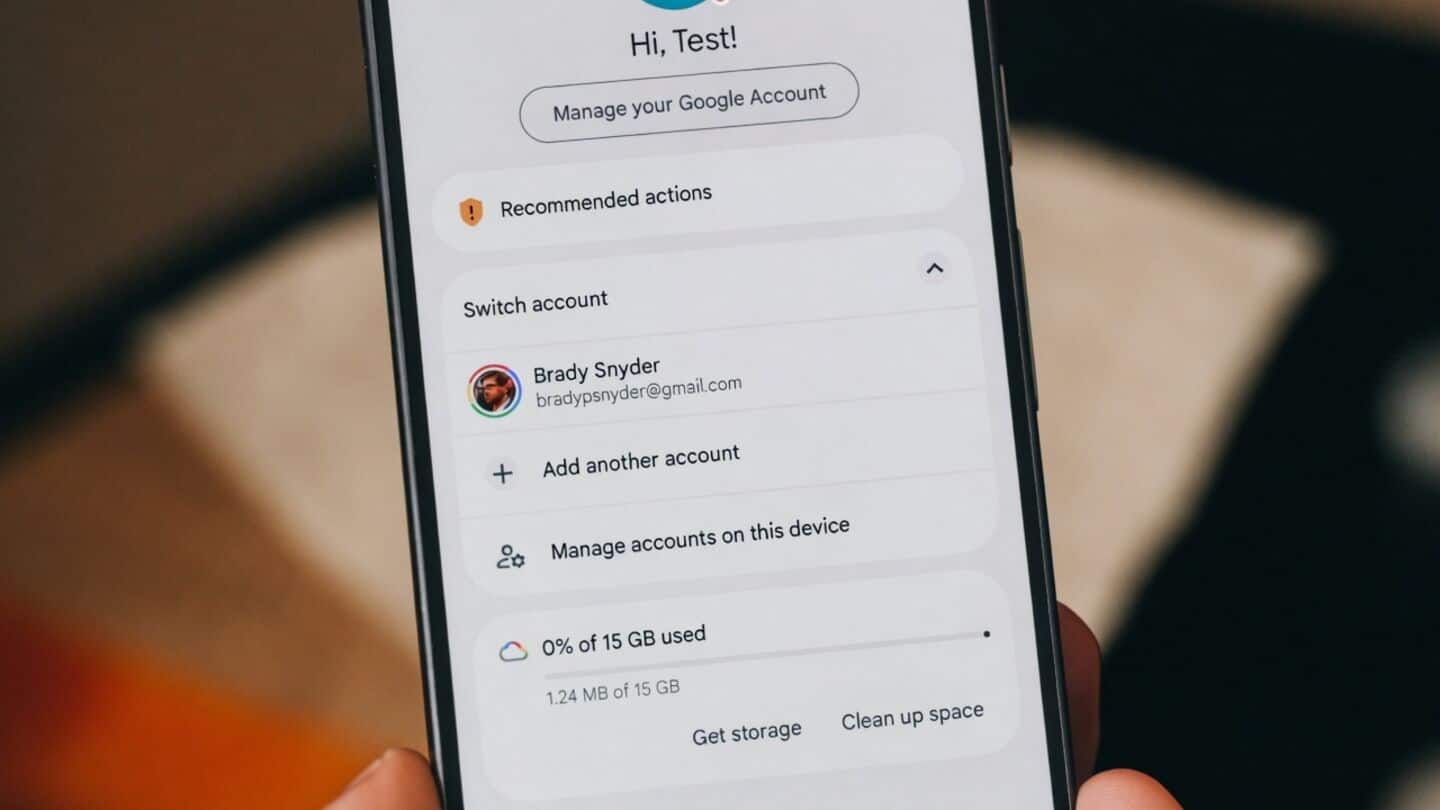
A recent Reddit thread and Google's support documentation indicate that Google is automatically verifying and linking your phone number with all the Google accounts on your Android device. The process, called "Phone number verification," happens in the background without any explicit consent from users. The feature links an active phone number across all signed-in Google accounts on a device, including secondary profiles, work accounts, and temporary handles.
User reactions
Some users received confirmation emails from Google
The automatic linking of phone numbers has sparked privacy concerns among users.
Users have taken to Reddit to share their experiences, with some reporting receiving confirmation emails from "noreply-phone-verification@google.com."
The emails confirmed that their phone number had been verified by Google.
While not everyone have received these notifications, several have found the auto-verification toggle was enabled on their devices without their knowledge.
Privacy implications
Google periodically re-verifies your device's phone number
Google's support documentation has long stated that it periodically re-verifies your device's phone number to keep communication and recovery features up to date.
However, this page was updated between August and October 2025, adding the controversial behavior of enabling phone number verification by default.
This has raised major privacy concerns for those who prefer keeping their primary SIM separate from secondary accounts.
Disabling guide
How to disable phone number verification?
To prevent future linking of your phone number with secondary accounts, you can disable the feature from your Android device.
Go to the Settings app, tap on Google, switch to the All Services tab, and under Privacy & Security section, find Phone number verification.
There you can toggle off Verify phone numbers automatically option.
However, this only stops future linking; if Google has already linked your number across secondary accounts, you'll have to manually remove it from each profile.