Android 17 gets Apple-style feature to fight motion sickness
What's the story
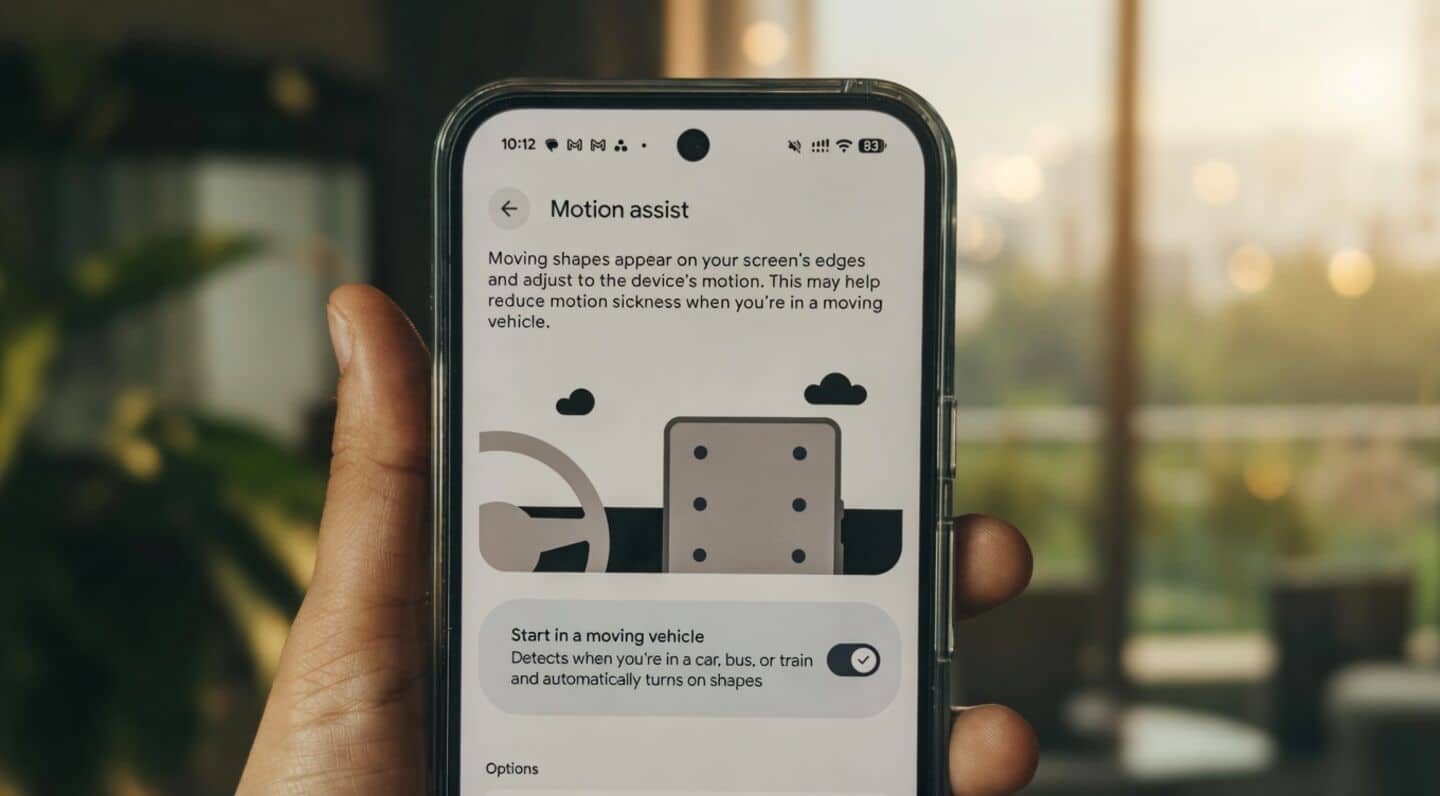
Google is slowly rolling out a new feature called Motion Assist with Android 17. The update is currently available for Pixel phones. The innovative tool aims to minimize motion sickness while using smartphones in a moving vehicle. However, the rollout appears to be gradual, as some users have already reported seeing Motion Assist on their devices, while others are still waiting for it.
User guide
How to access Motion Assist on Android
The Motion Assist feature can be accessed through Google Play Settings.
Users need to navigate through Settings > Your profile > All services, scroll down to the Personal & device safety section, and select Motion Assist.
Once activated, Android shows a notification indicating that the feature is active. Tapping on this notification gives users an option to disable it if needed.
Personalization
Customization options in Motion Assist
The Motion Assist feature also provides a range of customization options. Users can modify the color, shape, and opacity of the motion indicators as per their preference.
The Randomization option automatically changes these settings for a more personalized experience.
The main screen of Motion Assist has a toggle that automatically activates the feature when it detects you're in a moving vehicle.
Feature operation
How does Motion Assist work?
The main goal of Motion Assist is to show moving visual cues around the screen's edges, matching the vehicle's motion. This way, it can help reduce motion sickness for users.
The feature was previously known as Motion Cues and was first spotted in December 2024.
Google has since improved it by overcoming Android's system-level restrictions on screen overlays, making it more effective than its initial version.