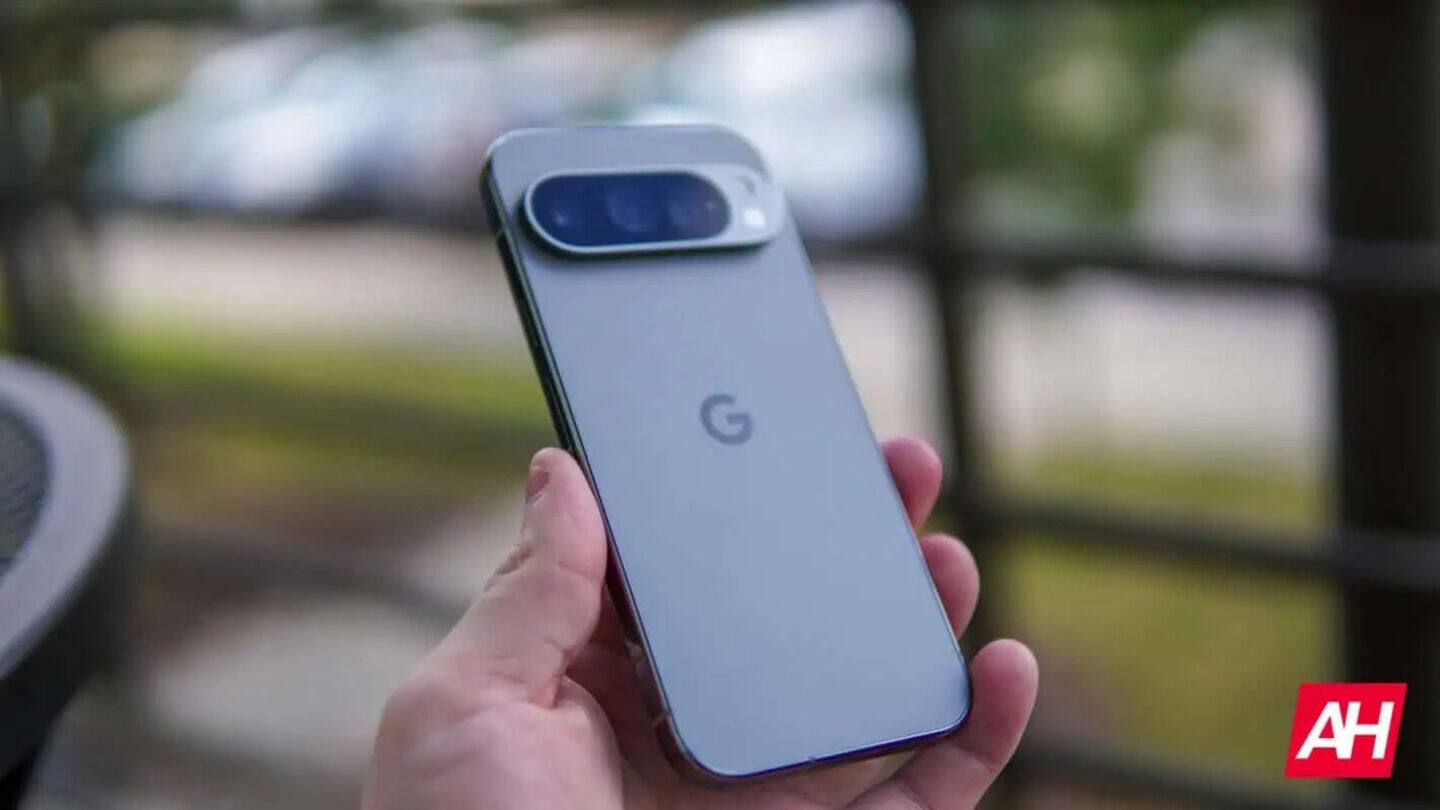
Google Pixel phones now let you swap navigation buttons like Samsung
Pixel users, there's a handy update in the Android 16 QPR3 Beta 1 (out December 18): you can now flip your three-button navigation bar to match Samsung's layout—Recents on the left, Home in the center, Back on the right.
Just head to Settings > System > Navigation mode and pick your button order; it works instantly, no reboot needed.
Why does this matter?
Since 2011, stock Android has stuck with Back-Home-Recents, while Samsung's Recents-Home-Back setup is super familiar for many.
With many Android phones using button navigation—and a significant number coming from Samsung—this change makes switching to Pixel way smoother for your thumbs and muscle memory.
Who gets it?
This feature is available for all Tensor-powered Pixel devices running the beta.
It's a small tweak but gives you more control over how your phone feels—no more awkwardly re-learning where everything is if you're jumping from a Galaxy to a Pixel.