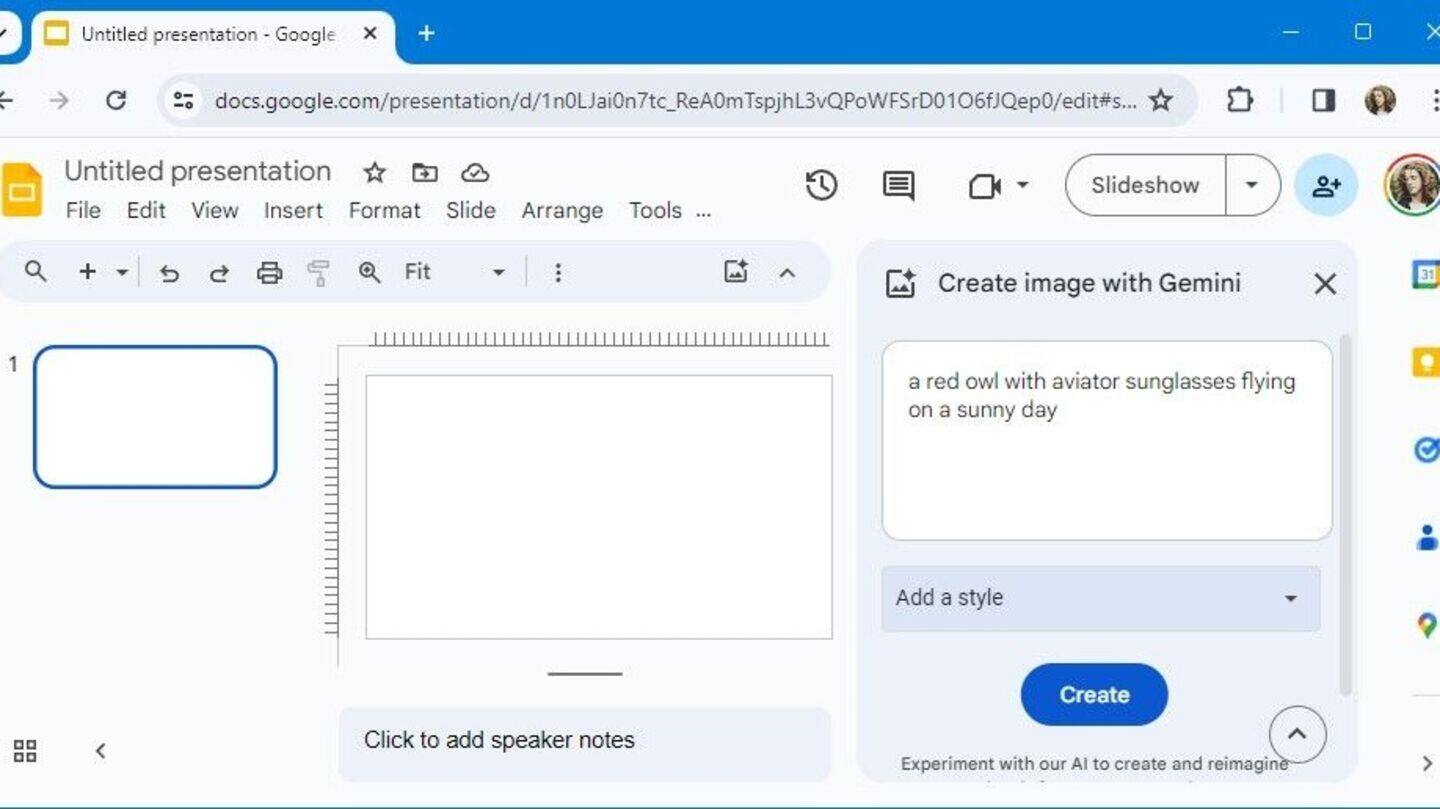
Google Slides gets Gemini AI integration—here's how to use it
Google Slides just got a boost with Gemini AI, making it easier to create images, new slides, summaries, and even rewrite text—all right inside your existing presentations.
Launched in January 2026, you can access Gemini from the Ask Gemini panel at slides.new.
It's designed to help your slides match your chosen theme without extra hassle.
How to use Gemini AI in Google Slides
Getting started is simple: open a presentation and click the Ask Gemini icon.
Type prompts like "Create slides about renewable energy benefits," and you'll get ready-made slides with titles, content, and images.
You can also pull in info from Drive files using "@," or ask for quick summaries and rewrites—all from the side panel.
Pricing and access
Gemini AI comes as a $20/month add-on for Google Workspace users, or you can get it through Google One AI Premium.
If you want to try it early, sign up for Workspace Labs.
How does Gemini stack up?
Unlike PowerPoint Copilot—which is not integrated with Google Slides and is primarily for generating new PowerPoint decks—Gemini works right inside your current Google Slides presentations (though it only handles one slide at a time).
Its tight integration with Drive, and broader Gemini integration with Gmail across Workspace, makes life easier compared to most third-party tools.