#TechBytes: How to make your own emoji
What's the story
Creating custom emojis on your smartphone can be a fun way to express yourself. Whether you want to add a personal touch or create something unique, the process is quite simple. With just a few steps, you can design emojis that reflect your personality and style. Here's how you can get started with creating your own emojis using apps and tools available on most smartphones.
App selection
Choose the right app
Selecting the right app is crucial for designing custom emojis. There are several apps available that offer different features and capabilities.
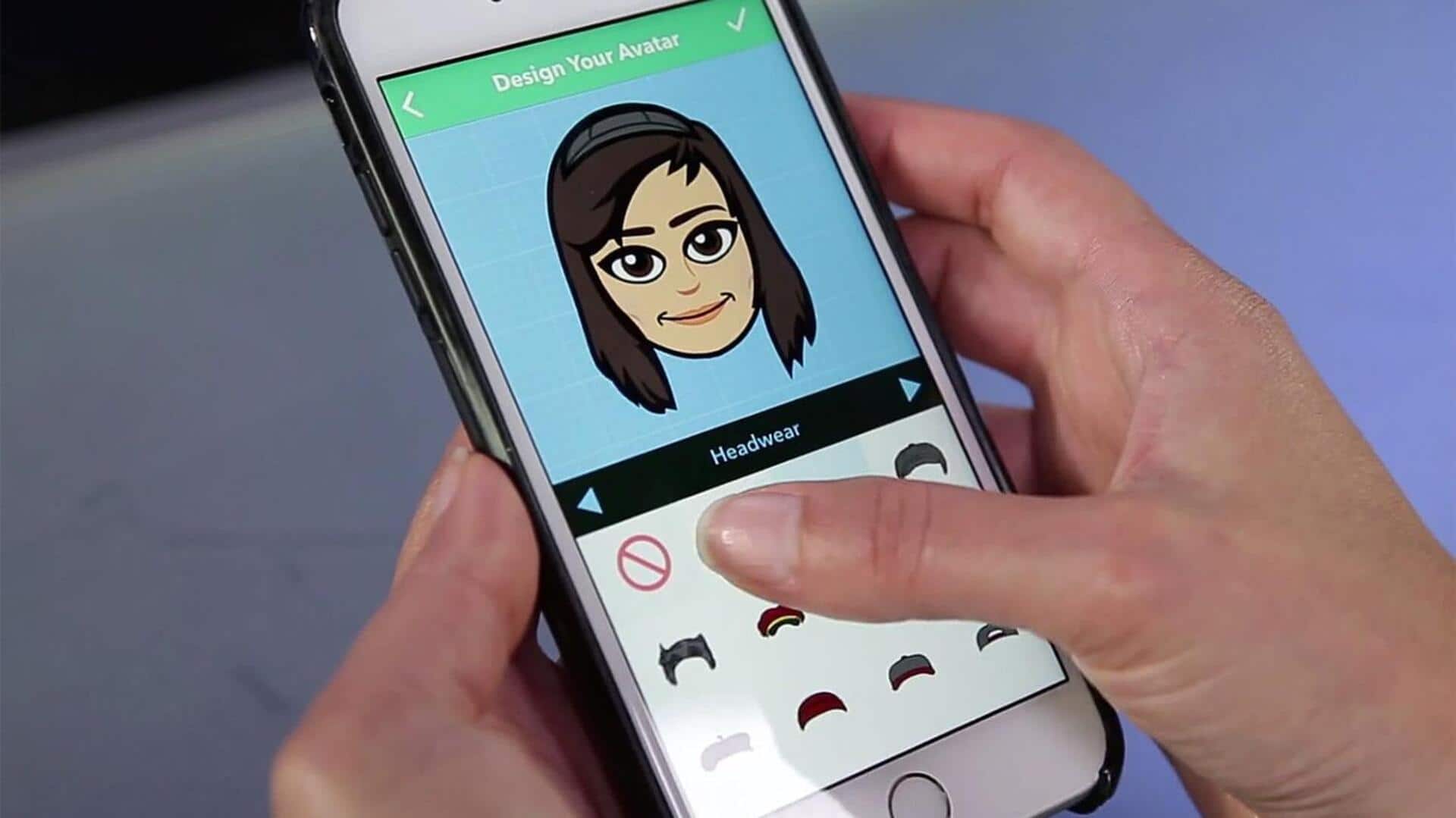
Some popular options include Bitmoji, Zmoji, and Emoji Maker. These apps allow users to customize facial features, hairstyles, clothing, and accessories to create personalized emoji characters.
Explore each app's features before making a choice.
Facial customization
Customize facial features
Once you've chosen an app, start by customizing facial features like eyes, nose, mouth, and skin tone.
Most apps provide sliders or color palettes to help you adjust these elements easily.
Experiment with different combinations until you get a look that feels just right for your emoji.
Accessory addition
Add accessories and clothing
Accessories like glasses, hats, or earrings can add personality to your emoji.
Similarly, clothing options let you dress your character in styles that match your taste or mood.
Browse through the available options in the app and try out different combinations to see what works best for your design.
Saving process
Save and share your emoji
After finalizing your design, save it within the app or export it directly to your phone's gallery.
Most apps also allow you to share your creations via social media platforms or messaging apps directly from their interface.
This way, you can easily use your custom emoji whenever you want.
Feature exploration
Explore advanced features
Some advanced apps offer features like animated emojis or integration with keyboard apps for easy access while texting.
If you're interested in these functionalities, explore additional settings within the app to see what's available and how it can enhance your emoji creation experience.