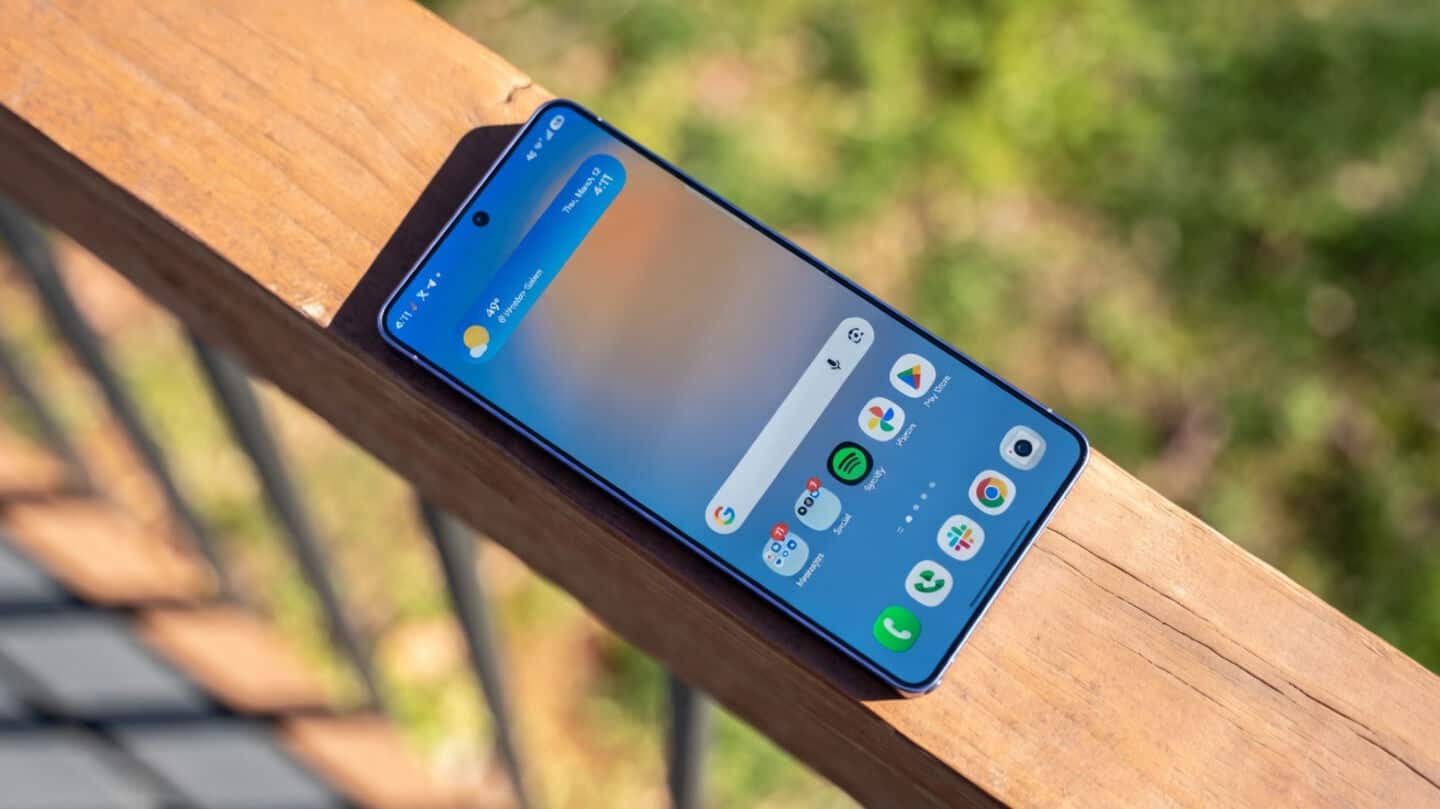
How to use Samsung Galaxy S26 Ultra's Privacy Display
Samsung says its new Galaxy S26 Ultra's Privacy Display can make the screen look a bit less sharp, especially from side angles or at full brightness.
The feature uses special pixels to block prying eyes in crowded places, but you might notice a slight dip in clarity when it's on.
First, check out the phone's display specs
The S26 Ultra packs a big 6.9-inch AMOLED screen with QHD+ resolution, up to 120Hz refresh rate, and Gorilla Glass Armor 2 for protection.
You can turn Privacy Display on or off quickly, or set it to max protection if you want extra privacy; just know this dims some pixels to hide your info from people nearby.
You can set where Privacy display kicks in
You get to choose where Privacy Display kicks in—like for certain apps, notifications, or PIN entry—and even set it to auto-activate.
Samsung says most users won't really notice much difference when looking straight at the phone, so if you value privacy on the go (think cafes or trains), this feature could be handy without ruining your everyday viewing experience.