These AI tools are transforming graphic design in 2026
What's the story
In 2026, graphic designers leverage AI tools to enhance productivity by automating tasks and optimizing workflows. These tools allow designers to concentrate on creative choices by managing image generation, background removal, and prototyping. From Adobe Firefly's hyperrealistic images to Canva AI's rapid-fire design capabilities, these technologies save hours on projects and allow for quick iterations. This article delves into key AI tools revolutionizing the graphic design space.
Tool 1
Adobe Firefly for rapid iterations
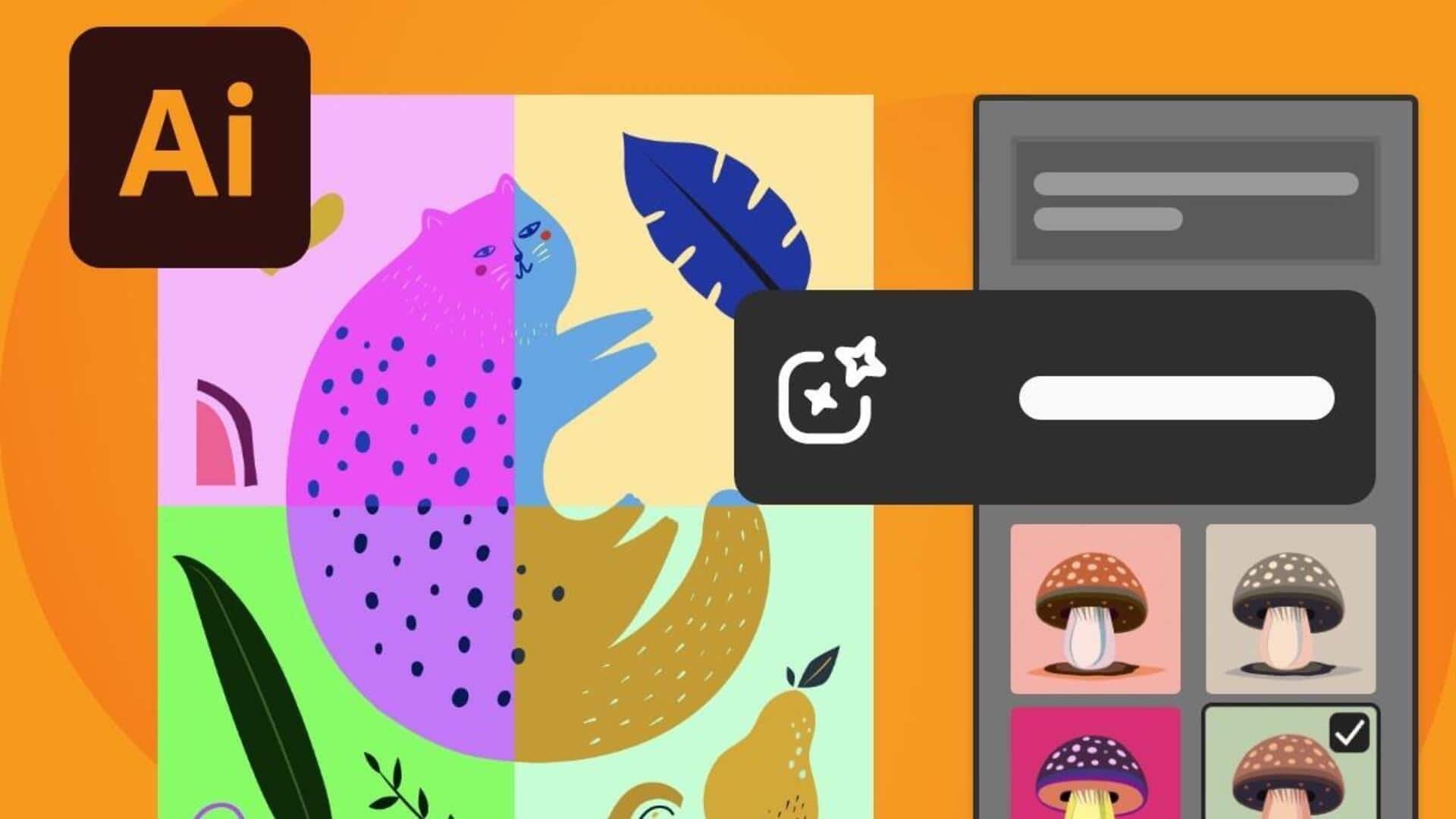
Adobe Firefly comes integrated into Creative Cloud apps such as Photoshop and Illustrator. It creates hyperrealistic images, vectors, textures, and color variations from text prompts in over 100 languages.
This makes it perfect for quickly iterating on packaging or branding projects.
Its commercial safety is guaranteed as it is trained on licensed content, enabling professional use without any legal worries.
Tool 2
Canva AI for quick designs
Canva AI provides features like Magic Design, Magic Edit, and Background Remover that are superb at generating quick designs for your social media posts and presentations.
All you have to do is upload an image or enter a prompt to generate complete layouts with one-click edits.
It's ideal for high-volume marketing tasks with pricing starting free and Pro at $12.99/month for advanced features.
Tool 3
Figma AI enhancing UX design
Figma AI also comes with plugins like Magician and FigGPT that automate wireframing, component generation, auto-layouts, and copy editing on the canvas itself.
UX designers can prototype e-commerce flows faster and, at the same time, receive suggestions for accessibility improvements.
This makes the process of designing user-friendly interfaces a lot more efficient.
Tool 4
Uizard transforming sketches into prototypes
Uizard is a killer tool that converts hand-drawn sketches or screenshots into editable UI prototypes in a matter of seconds.
It bridges the gap between initial brainstorming sessions and client-ready mockups for apps and websites.
With a seamless transition from concept to execution, Uizard allows designers to quickly convert their ideas into something tangible.
This way, they can effectively communicate with clients and stakeholders during the design process.
Tool 5
Mixboard speeds up mood board creation
Mixboard effortlessly transforms natural language descriptions into cohesive visual mood boards in no time at all, without the hassle of endless reference hunting.
It speeds up the inspiration phase by generating visual ideas from simple text inputs, thus saving time during the concept development stages of design projects.