YouTube now lets you disable Shorts: Here's how
What's the story
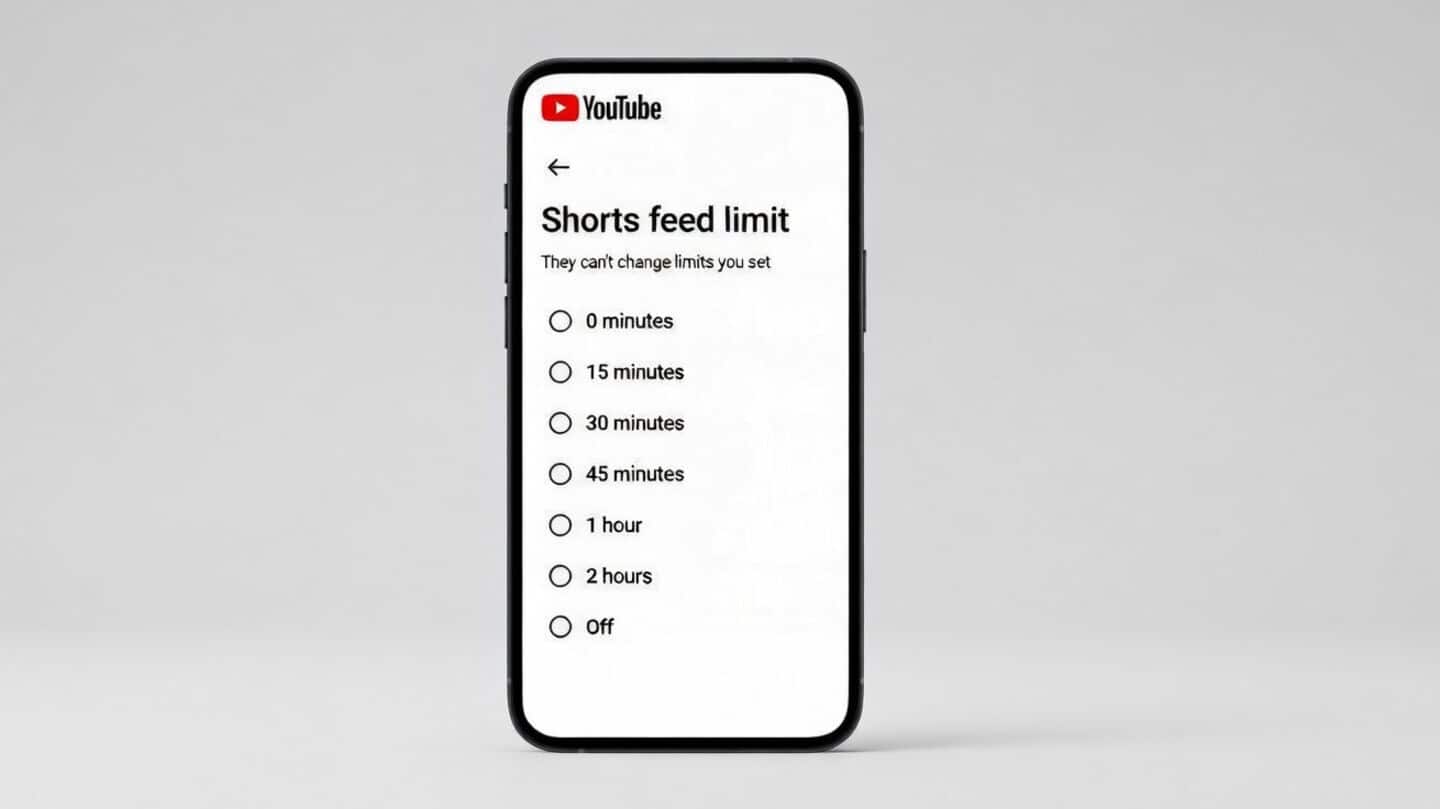
YouTube has introduced a new feature, allowing users to completely disable Shorts, its short-form video service. The change comes as an extension of the existing "Shorts feed limit" setting, which was originally announced in October last year. Previously, users could only set a minimum time limit of 15 minutes for viewing Shorts. Now, Google has updated this feature to allow users to set the limit to zero.
User accessibility
Feature available for both regular and teen accounts
The new zero-minute limit option is now live for all teen and regular adult accounts.
However, it works a little differently for teen accounts managed through Google Family Link.
In this case, if parents set the Shorts timer to zero, their children won't be able to view any Shorts videos on their YouTube app.
Step-by-step guide
How to set zero-minute limit?
To use this new feature, users need to open the YouTube app on their device and sign in if they haven't already.
Then, they have to tap on the "You" tab at the bottom right and click on the Settings icon.
After that, they should click on "Time management" Dashboard icon and tap "Shorts feed limit."
If updated with this new feature from Google, users will see an option to set the Shorts limit to zero.
Distinct capability
Tackle doomscrolling issue
The Shorts feed limit is a unique feature as it directly tackles one of the most addictive aspects of YouTube.
It gives users an option to control or even completely remove doomscrolling from their experience.
This is different from other existing options like reminders to "Take a Break" or nudges about bedtime, which are more general time management tools.