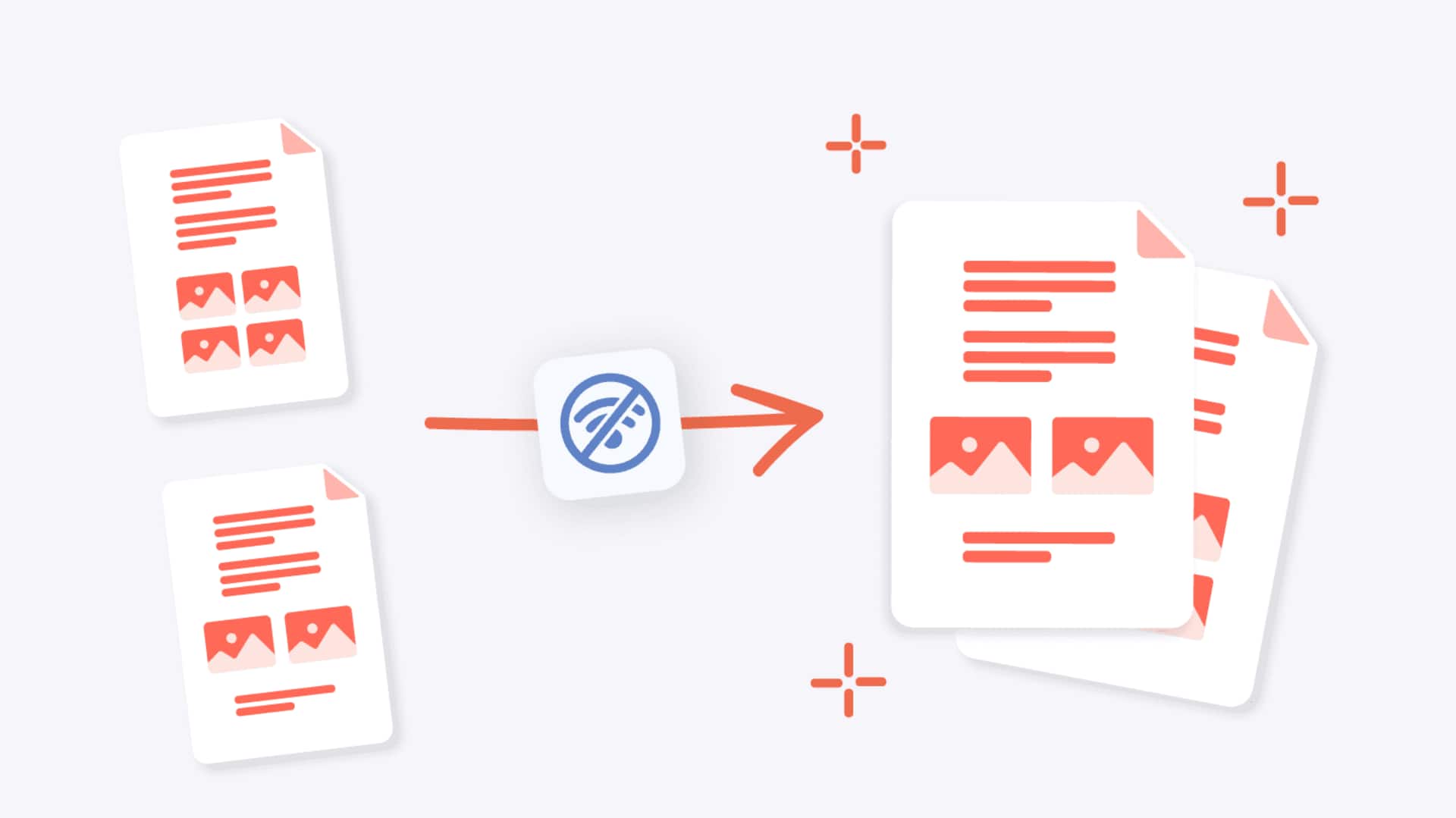
#TechBytes: How to combine PDF files
What's the story
Combining PDF files can be a hassle, especially when you don't have the right tools. But, with a few simple tricks, you can easily merge documents without spending a dime. Here's a look at some practical methods to combine PDF files efficiently and cost-effectively. Whether you're a student or a professional, these tips will help you manage your documents better.
Tip 1
Use online PDF merging tools
Online PDF merging tools provide an easy way to combine files without installing any software.
Websites such as Smallpdf and PDF Merge allow users to upload multiple documents and download them as one file.
These platforms are usually free for basic use, making them an ideal option for those looking to merge files quickly and easily.
Tip 2
Utilize built-in software features
Many operating systems come with built-in features that allow you to combine PDF files.
For instance, Mac users can use Preview to open multiple PDFs and combine them into a single document.
Similarly, Windows users may find that Microsoft Print to PDF allows them to print several documents into one file.
These features eliminate the need for third-party software.
Tip 3
Leverage cloud storage services
Cloud storage services like Google Drive or Dropbox also offer ways to merge PDFs.
By uploading your documents to these platforms, you can use their integrated tools or connect with third-party apps available on their marketplaces.
This way, you can combine PDFs directly from your cloud account without additional costs or downloads.
Tip 4
Explore open-source software options
Open-source software also provides free solutions for merging PDF files. Programs like PDFsam Basic allow users to split, merge, and rotate PDF documents with ease.
These tools are usually more feature-rich than online services, giving users more control over how they combine their files.