
#TechBytes: How to track screen time on your devices
What's the story
In today's digital age, tracking screen time has become essential for maintaining a healthy balance between online and offline activities. With the increasing use of smartphones, tablets, and computers, understanding how much time we spend on screens can help us make informed decisions about our daily routines. This article provides practical tips for beginners to effectively monitor their screen time across various devices.
Tip 1
Use built-in screen time features
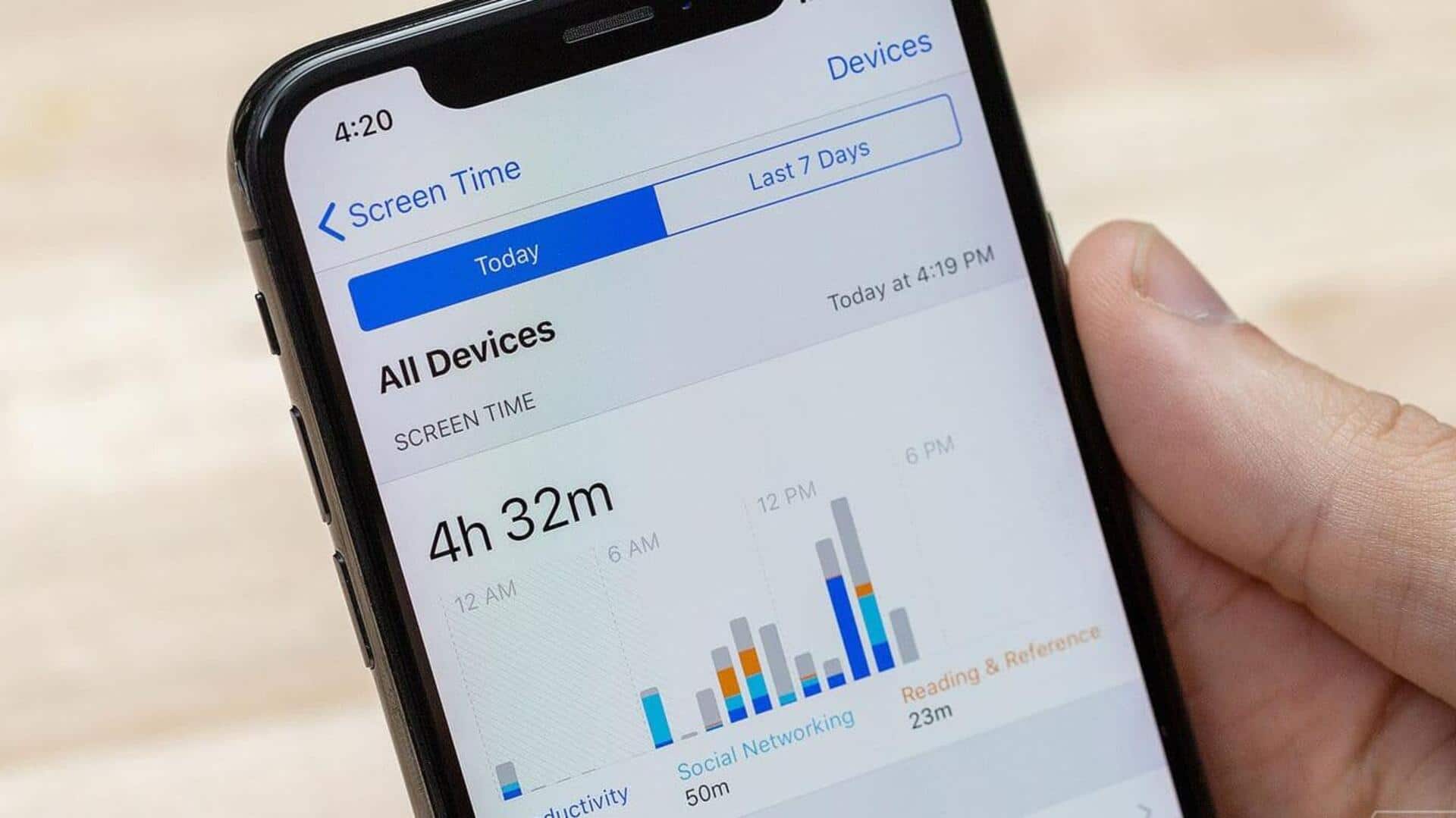
Most smartphones and tablets have built-in features that track your screen time. These features give you a breakdown of how much time you spend on different apps or categories like social media or entertainment. By checking these reports regularly, you can identify patterns in your usage and make necessary adjustments to reduce excessive screen time.
Tip 2
Set daily limits on apps
Many devices allow you to set daily limits on specific apps or categories. Once you hit the limit, the app will be inaccessible for the rest of the day. This way, you can ensure that no single app dominates your day, and encourage yourself to indulge in other activities.
Tip 3
Use third-party apps for detailed tracking
If your device's built-in features are not enough, you can use third-party apps to track screen time in detail. These apps provide advanced analytics, including usage trends over weeks or months. They also offer personalized recommendations based on your habits, making it easier to manage your digital consumption effectively.
Tip 4
Schedule regular breaks from screens
Incorporating regular breaks from screens into your routine is essential for reducing overall screen time. Set reminders to take short breaks every hour or so, during which you can engage in offline activities like reading or going for a walk. This not only reduces daily screen time but also improves focus when you return to work or leisure activities involving screens.
Tip 5
Create tech-free zones at home
Establishing tech-free zones at home encourages less screen usage in certain areas like bedrooms during bedtime hours or dining rooms during meals. These zones promote quality family interactions without digital distractions, while also contributing towards lower overall daily screen exposure levels.