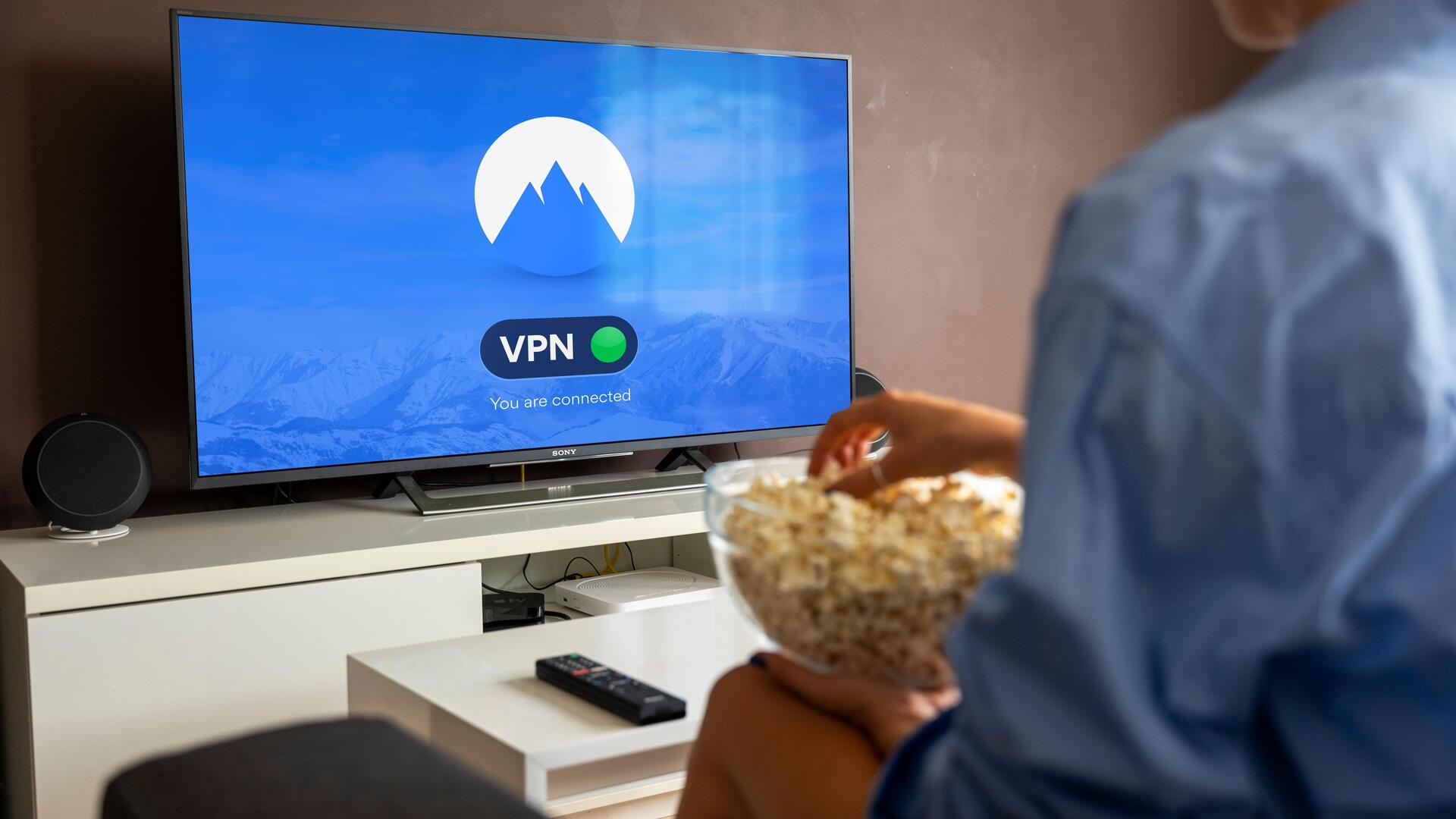
Protect your privacy while using a smart TV
What's the story
Smart TVs have become an integral part of our living rooms, providing us with entertainment and connectivity. However, they also come with privacy concerns, given the amount of data they collect. From viewing habits to personal information, smart TVs can track many things. But you can take a few simple steps to safeguard your privacy while enjoying the benefits of these devices.
Tip 1
Adjust privacy settings
Most smart TVs come with privacy settings that can be adjusted to limit data collection.
Check your TV's settings menu for options related to data sharing and personalization.
Disabling features like voice recognition, targeted advertising, and personalization can reduce the amount of information your TV collects.
Regularly reviewing these settings ensures you maintain control over what data is shared with manufacturers.
Tip 2
Use a secure network
Connecting your smart TV to a secure network is crucial for protecting it from potential breaches.
Make sure your home Wi-Fi network is password-protected and uses encryption protocols like WPA2 or WPA3.
Avoid using public networks for your TV, as they are more vulnerable to attacks.
A secure network helps prevent unauthorized access to your device, and it keeps your data safe.
Tip 3
Update firmware regularly
Keeping your smart TV's firmware up-to-date is essential for security and performance.
Manufacturers often release updates that fix vulnerabilities, improve functionality, and enhance user experience.
Check for updates regularly through the settings menu of your TV, and install them promptly when available.
This practice helps protect against potential threats by ensuring that your device has the latest security patches.
Tip 4
Limit third-party app access
Third-party apps on smart TVs can pose a risk if they are not properly managed.
Review the apps installed on your device and remove any that are unnecessary or suspicious.
Also, limit permissions granted to these apps by disabling access to features like microphones or cameras unless necessary.
This reduces potential entry points for data breaches.
Tip 5
Monitor connected devices
Smart TVs often connect with other devices in the home, such as smartphones, tablets, and others, which can increase the risk of data sharing without your knowledge.
Regularly check which devices are connected to your TV, and disconnect any that are not in use or unknown.
Keeping an eye on connected devices helps minimize the exposure of personal information across multiple platforms.