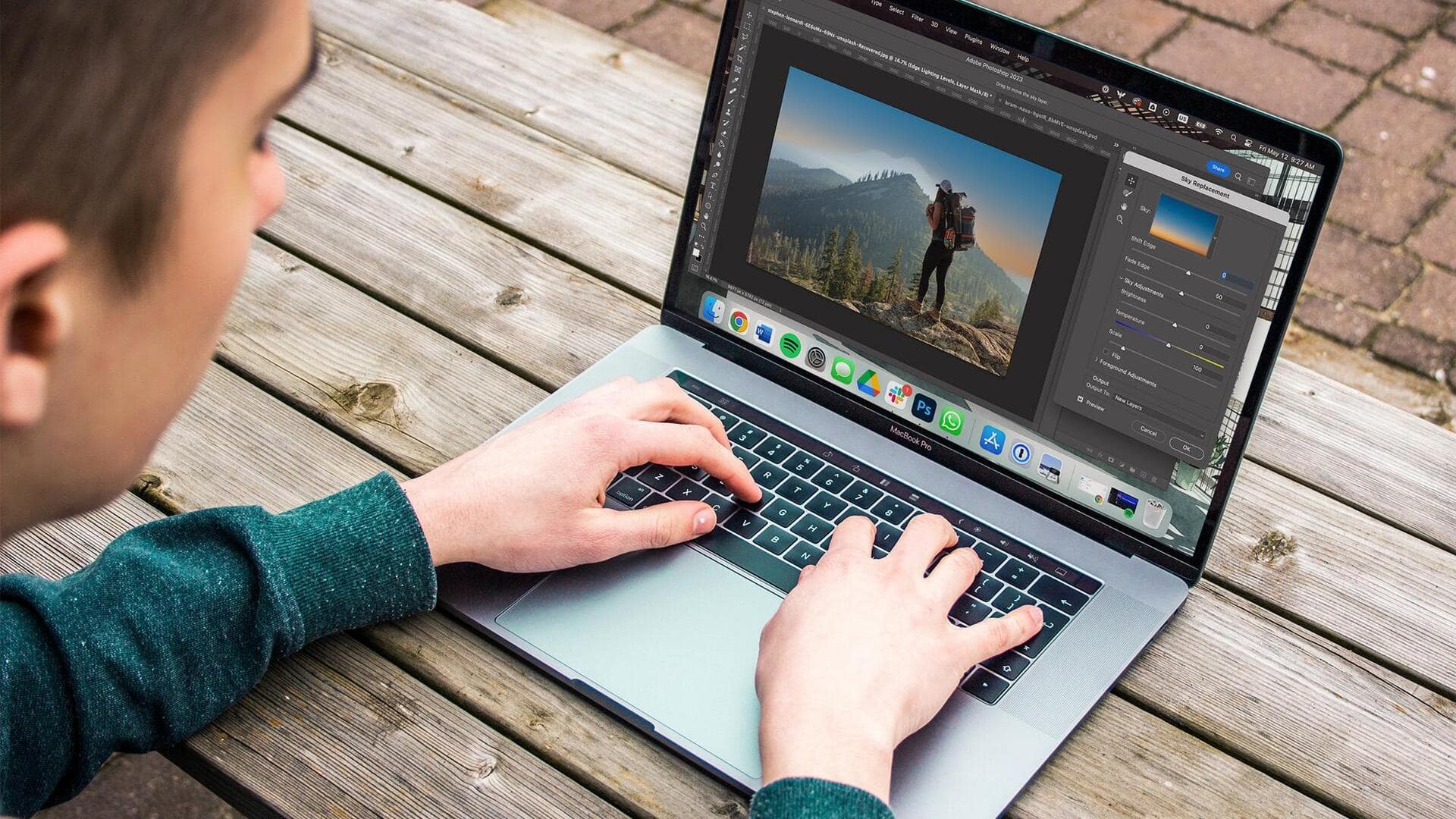
These AI tools are a must for photographers
What's the story
In 2026, artificial intelligence has transformed the world of photo editing, giving photographers the tools to work faster, while also maintaining creative control. Be it standalone applications or plugins that integrate into existing workflows, these AI-powered editors deliver professional results with less effort. The world of AI photo editing tools has expanded, offering a range of options to suit different photographer needs.
#1
Luminar Neo: A purpose-built AI editor
Designed specifically around AI capabilities, Luminar Neo features twenty-four AI-powered tools, including sky replacement and portrait bokeh, and adds traditional manual editing controls on top.
What makes Luminar Neo stand out is its one-time purchase model priced at $159, which means no subscriptions!
Its AI Assistant feature even lets photographers request edits the way they would prompt chatbots.
#2
Adobe's integrated ecosystem for professionals
Adobe also offers a full suite of AI solutions in its ecosystem for photographers focusing on professional workflows and cross-device compatibility.
Lightroom employs AI culling to find the best frames from burst sequences and provides impressive noise reduction capabilities.
Photoshop adds to this with Generative Fill and Expand capabilities, powered by Adobe Firefly tech, letting you remove unwanted objects and fill in new content through AI generation.
#3
Specialized tools for specific challenges
Specialized tools like Aftershoot leverage machine learning to analyze previous Lightroom edits, generating custom profiles that automatically apply personalized adjustments to new images.
Relight AI tech generates three-dimensional depth maps for independent adjustment of foreground and background lighting.
Face AI automates portrait retouching by detecting facial features, allowing for quick adjustments without requiring manual masking.
Tip 4
Choosing the right tool based on workflow needs
The choice between these tools ultimately comes down to your workflow priorities.
If you're a photographer looking for an all-in-one solution with heavy AI integration, Luminar Neo would be the way to go. However, if you need professional-grade control, Adobe's ecosystem is the best bet.
Specialized tools such as Aftershoot are great for consistently processing large volumes of images across catalogs, eliminating repetitive tasks, and focusing more on creative decisions than technical adjustments.