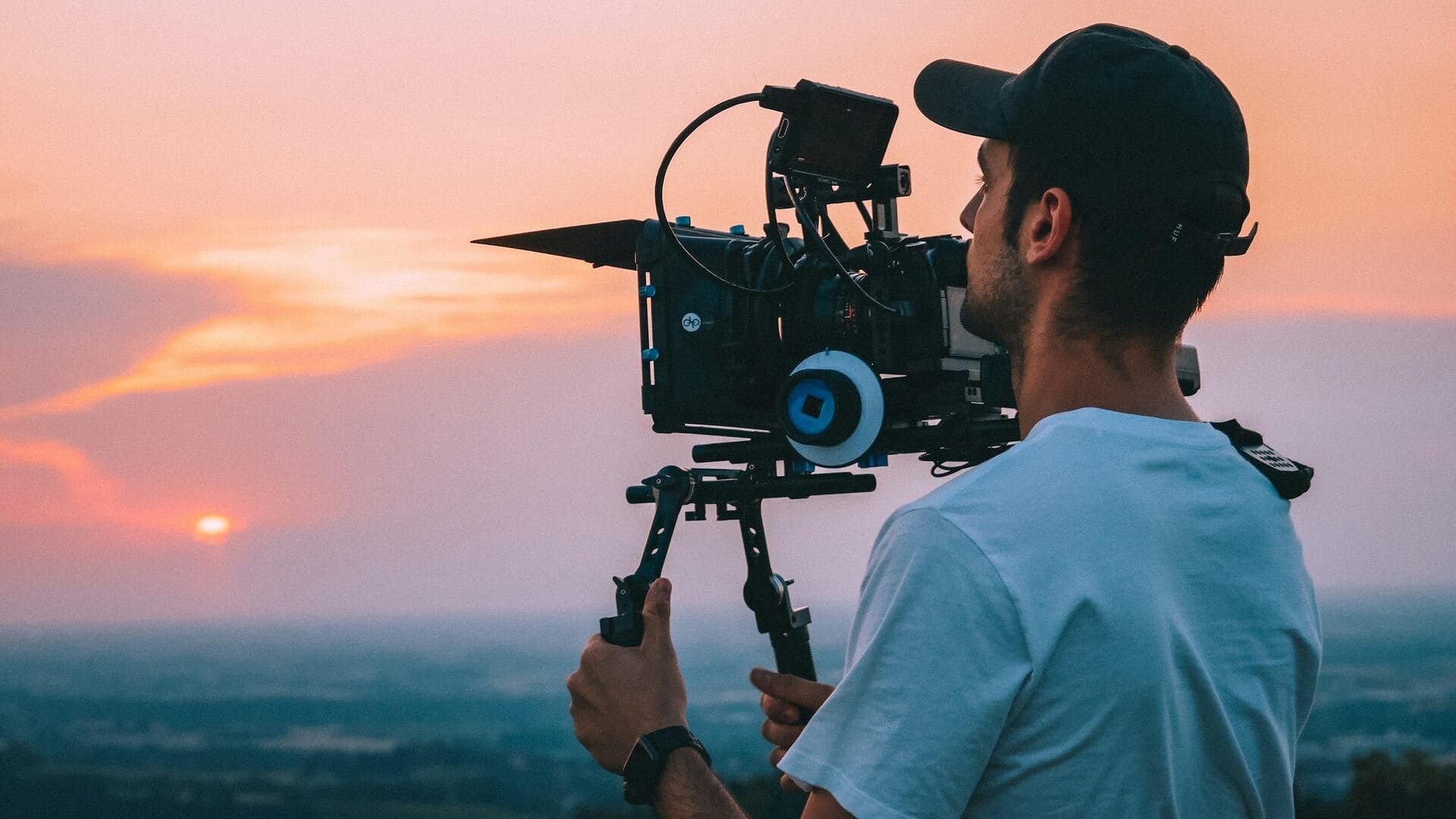
Budding filmmakers, these AI tools can make your life simple
What's the story
Artificial intelligence is revolutionizing the world of visual effects in movies by automating complex tasks like rotoscoping, relighting, motion tracking, and scene generation. This transition enables artists to focus on creativity rather than the nitty-gritty of manual labor. These tools provide professional-grade results with stunning speed and realism. Filmmakers can iterate faster and keep production costs under check without any reshoots.
#1
Beeble AI: Revolutionizing relighting
Beeble AI is a relighting and compositing tool that converts regular video into relightable 2.5D scenes by creating PBR passes like normals, albedo, depth, and specular roughness from the original frames.
It handles entire environments, including props and buildings, with Nuke and other software plugins.
This makes it perfect for VFX teams looking for quick lighting changes.
#2
Runway: Simplifying VFX creation
Runway makes creating visual effects a breeze by letting you generate them using text prompts.
It takes care of things that would have otherwise taken hours of work manually, making it a go-to tool for filmmakers looking for efficient visual tweaks.
This one is a great use case for streamlining things that used to take a lot of time.
#3
Google Veo 3: Cinematic video generation
Google Veo 3, and its updated version Veo 3.1, generate cinematic clips with natural motion, physics, audio sync, and scene continuity from text or images.
These tools are ideal for creating dynamic VFX sequences, or even just camera moves, in post-production.
They provide filmmakers with new ways to supercharge their storytelling capabilities.
#4
Adobe Firefly: AI-driven edits in Premiere Pro
Adobe Firefly integrates directly into Premiere Pro and After Effects for AI-driven edits, like changing video color or time of day with text commands.
It also offers automatic storyboarding and b-roll addition features, which will significantly cut down editing time for projects heavy on visual effects.
Tip 5
LTX Studio: Automating scene generation
LTX Studio automates scene generation right from scripts, applying seamless transitions, and using extensive stock libraries. This minimizes the editing time on projects that are really heavy on visual effects.
The automation by LTX Studio enables both independent creators and large studios to generate high-quality visual effects that were only possible with big-budget productions.
This democratization of tech allows for more creative freedom and innovation.