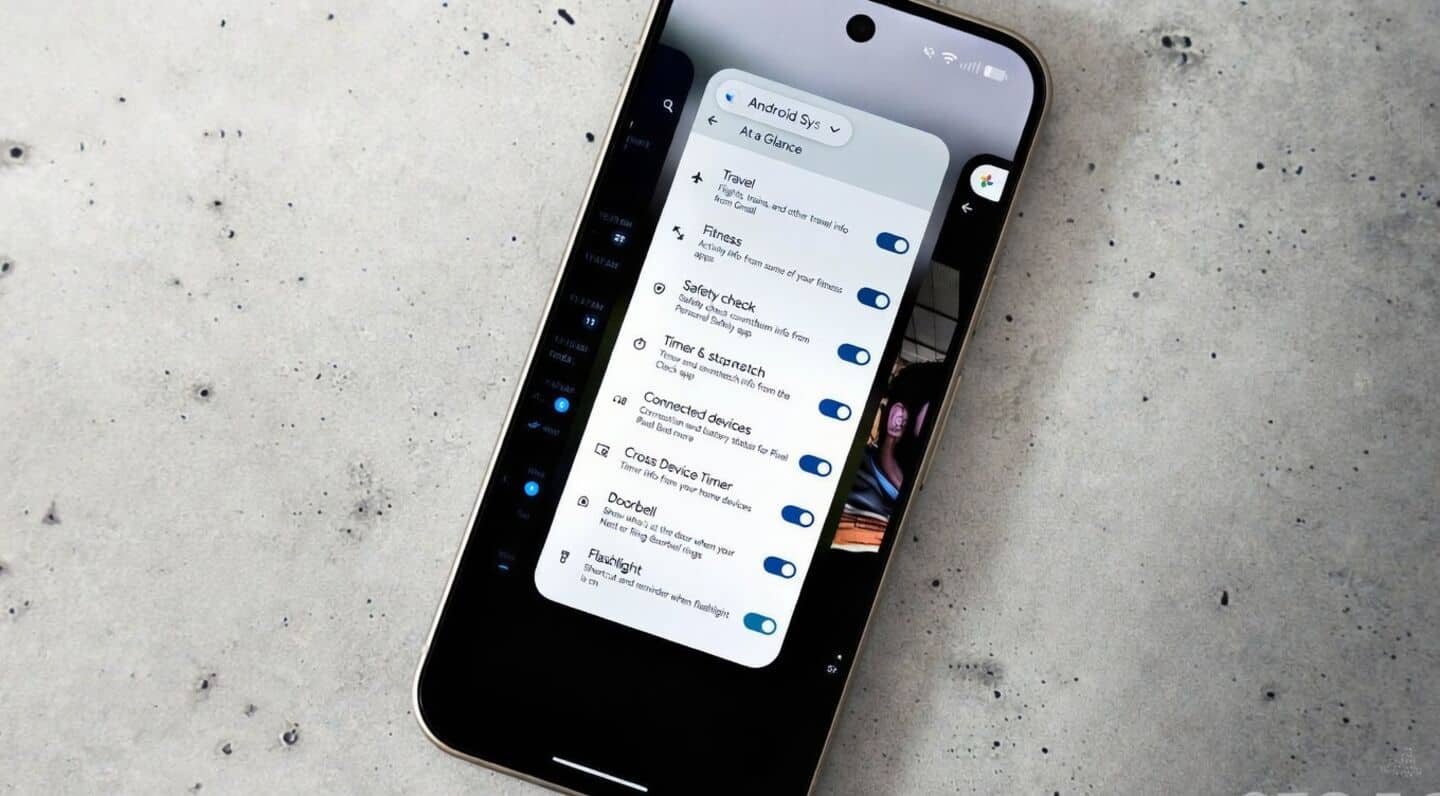
Android 16 removes quick image actions from recents
Android 16's latest update just made the Recents menu a bit simpler. Now, you can copy, share, or edit images from app previews.
The handy direct save and Google Lens shortcuts are gone, so grabbing or searching images takes a couple more steps than before.
Pixel users, especially those with the Pixel 10a, will notice this change right away.
What's changed?
Previously, the Recents Select feature let you quickly copy, share, save, or use Google Lens on any image straight from your recent apps.
Now, picking an image sends you straight to the share sheet. Saving is still possible but means uploading to Photos or downloading through Files instead of one tap.
You can still use Google Lens via "Google Search Image," but it's less direct.
If you relied on these shortcuts for multitasking or quick searches, expect things to feel a little less smooth.