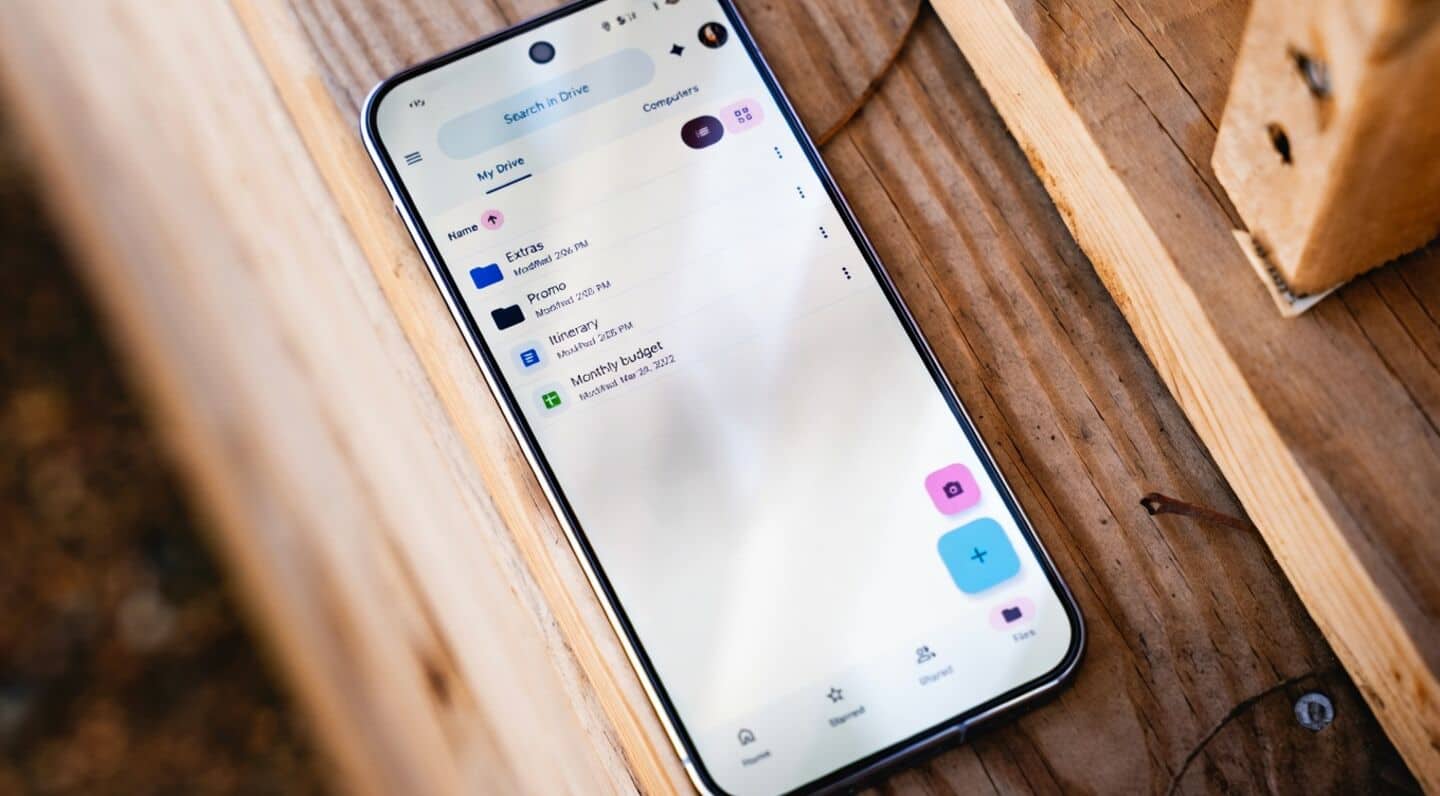
Android now backs up local documents automatically to Google Drive
Android just made life a bit easier; you can now automatically back up your downloads, PDFs, presentations, and other local documents straight to Google Drive.
The new feature creates a dedicated "Android backups" folder with device-specific subfolders, and works across multiple devices for file types like.doc.ppt.xls, and.pdf.
Android setup steps encryption and limits
To get started, head to Settings > Accounts and backup > Google Backup.
You'll see a new "Documents" section alongside Photos and videos. You can kick off backups manually or set them for nightly syncs.
Just make sure you've got the latest Google Play services (26.26).
Your files are encrypted for security, but keep in mind that edits on one device won't show up elsewhere, and these backups count toward your Google storage limit.
If you turn off the feature later, your uploaded files stay safe in Drive.