ChatGPT expands Lockdown mode to free and paid users
Lockdown mode for ChatGPT, now being expanded to more plans, including free and paid users.
This feature is all about keeping your data safer by blocking risky network activities like internet access or external file downloads, which helps reduce the risk of data theft through prompt injection attacks.
Lockdown mode pauses live network features
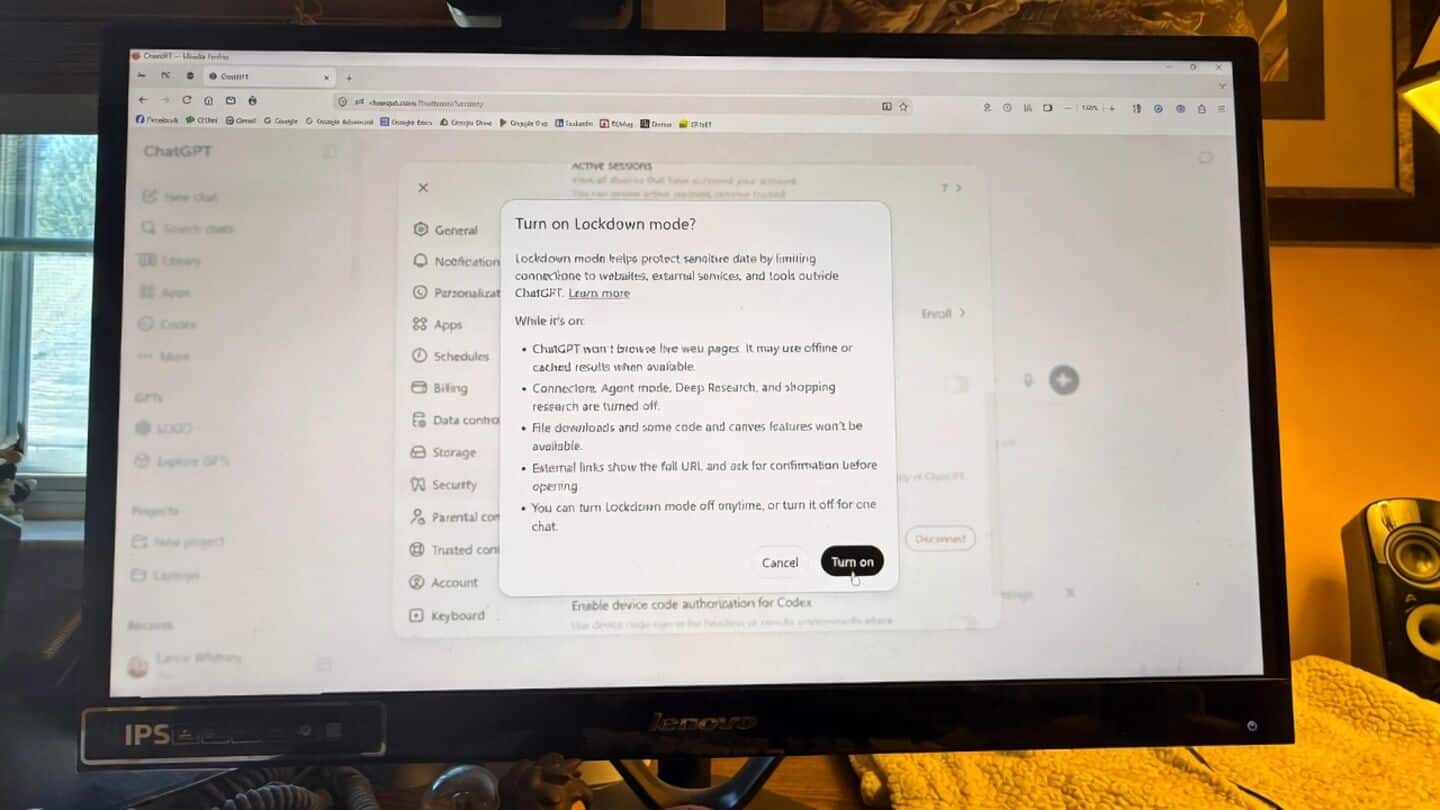
Turning on Lockdown mode disables things like live web browsing, image searches, deep research tools, Agent mode, Canvas networking, and file downloads.
You can still upload files and use cached content, but anything needing a live network connection is paused.
It's not a perfect shield, but it adds an extra layer of protection, especially if you're working with sensitive info.
Enable Lockdown mode in ChatGPT settings
To enable Lockdown mode, just head to the Security section in your ChatGPT settings.
You'll see a quick rundown of what gets restricted before you switch it on.