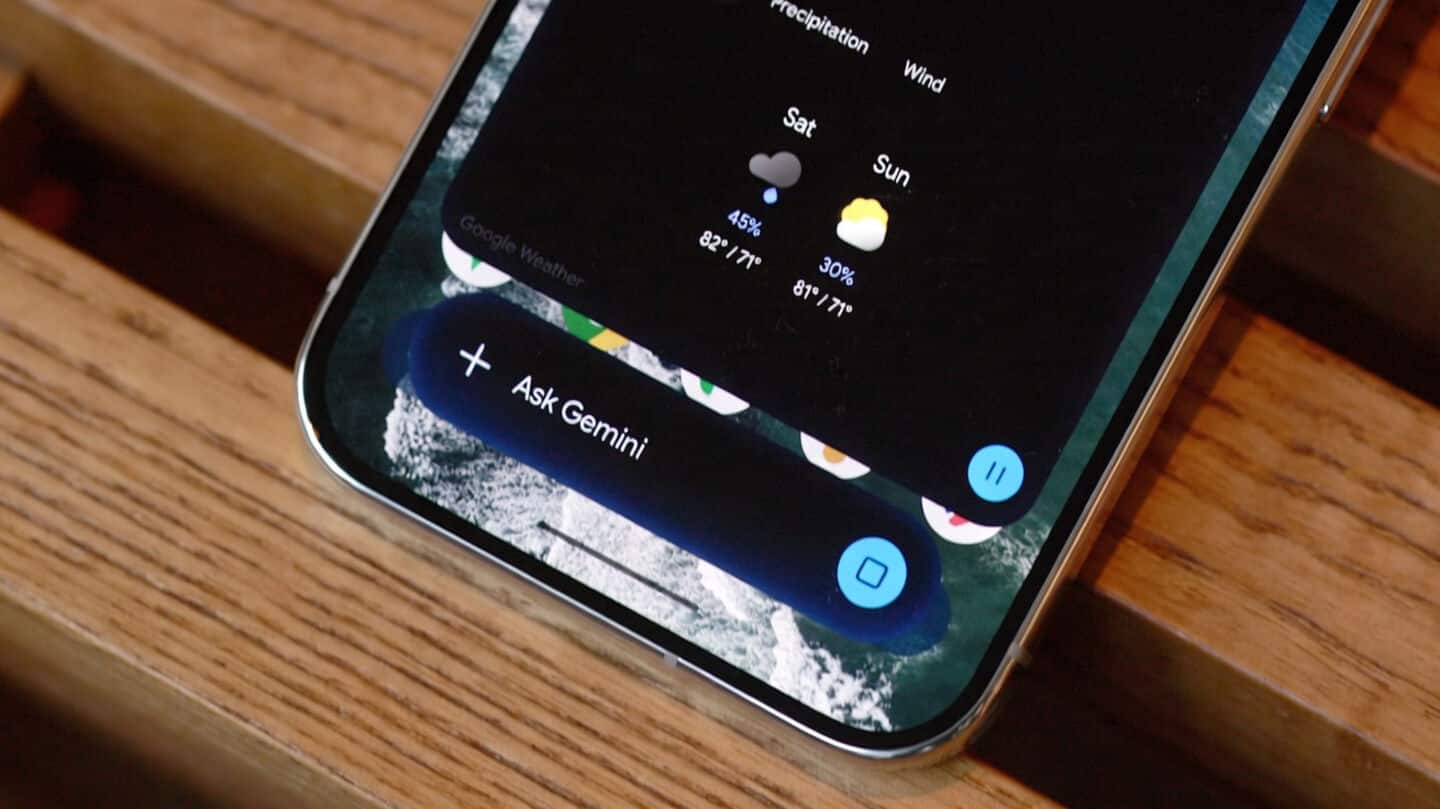
Gemini on Android adds 'Minimize' bubble overlay for multitasking today
Technology
Gemini on Android just rolled out a "Minimize" feature that lets you shrink the overlay into a floating bubble, perfect for jumping between apps without losing your chat or workspace.
Launched today (September 5), it's all about making multitasking smoother and less of a hassle.
Tap 'Minimize' bubble, resets bottom right
Tap the "Minimize" button above Gemini to turn it into a bubble you can move around or swipe away.
Just tap the bubble to jump back in, or tap outside to tuck it away again.
Heads up: there's currently a bug where the bubble always resets to the bottom right corner, which might be annoying if you like things just so.
Still, for Android 17 users, this is an easy way to keep Gemini close by without crowding your screen.