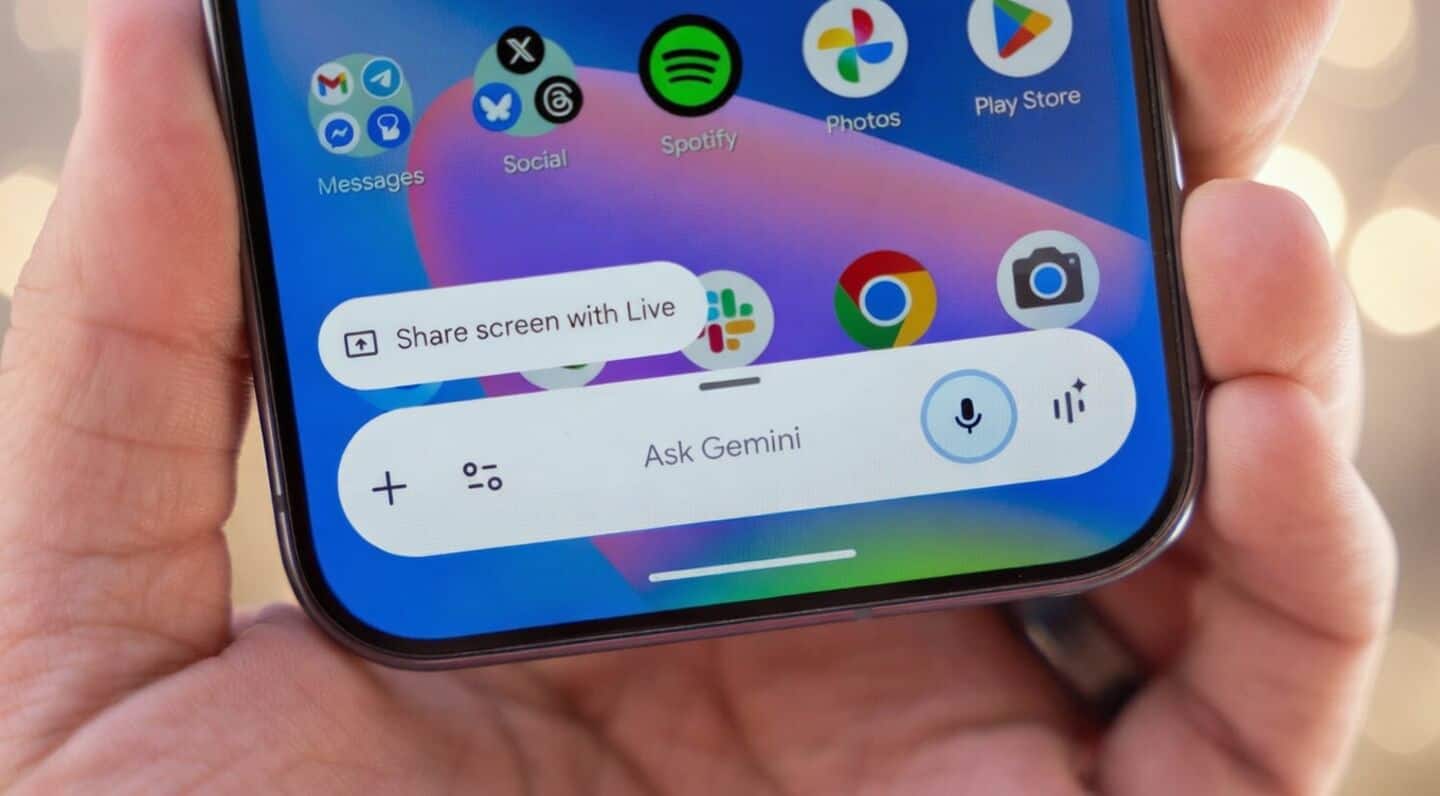
Google adds circle to search in Gemini overlay on Android
Google just rolled out a cool update for its Gemini overlay on Android.
Now you can use "Circle to Search" to literally draw a circle around anything on your screen and let you select content on your screen and add it to your Gemini prompt.
The feature is part of the latest stable Google app (version 17.20), so it should show up soon if you haven't seen it yet.
Overlay adds screen content option
When the overlay pops up, you'll see "Circle anything or ask about this screen." After circling something, you can tweak your selection with handy drag handles and even add extra context using overlay drawing tools.
There's also a new "Screen content" option in the plus menu that lets you include your whole screen in a query, giving you more say over what Gemini looks at when searching.
If the update hasn't appeared yet, try force-stopping the app from app info to speed things up.