Google launches Workspace Studio to let users create AI agents
What's the story
Google has officially launched Workspace Studio, a new automation tool that lets users design, manage, and share AI agents. The tool is powered by Gemini 3's multimodal understanding capabilities. Formerly known as Workspace Flows, Workspace Studio offers seamless integration with Gmail, Chat, Drive, and other Google productivity apps. It also connects with Asana, Jira, Mailchimp, and Salesforce for enhanced functionality.
User-friendly design
Workspace Studio: A tool for everyone
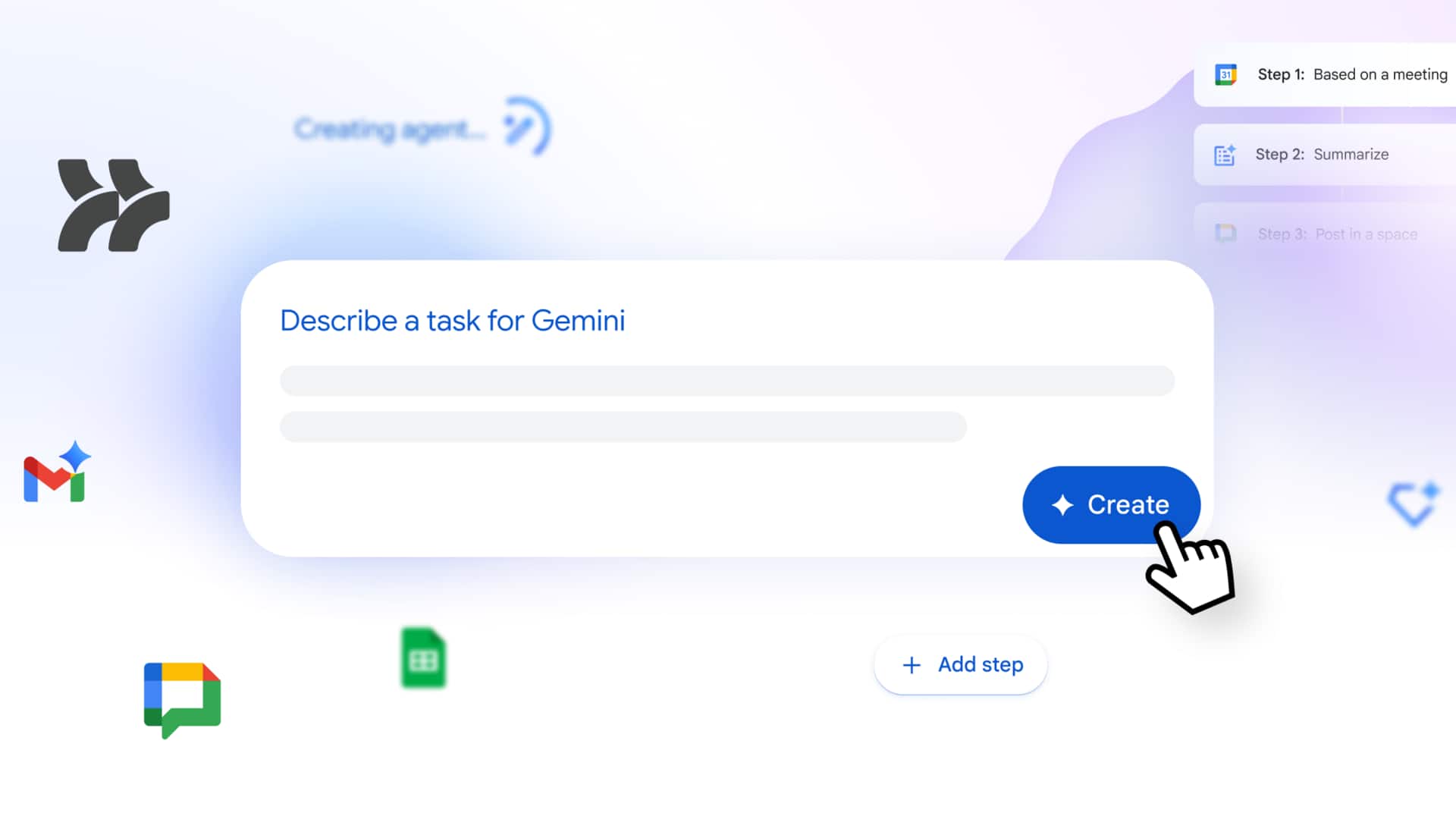
Workspace Studio is designed to enable users to build agents in minutes, automating everything from simple tasks to complex workflows without any coding or specialized syntax.
The tool comes with a shortcut in the top-right corner of every web app, next to Gemini.
It also has tabs for Discover, My agents, and Activity for easy navigation.
Advanced features
Gemini's capabilities enhance Workspace Studio
The agents created with Workspace Studio are backed by Gemini's reasoning, context understanding, and generative capabilities.
This represents a shift from "simple, rule-based automation" with strict rules and rigid conditionals.
The new system allows for sentiment analysis, content generation, intelligent prioritization, and smart notifications among other things.
Prompts can be given in plain language for better user experience.
AI integration
Gemini 3 powers agent creation
When an email contains a question, users can create an agent using Gemini 3 to determine which incoming emails contain questions by providing a prompt like, "If an email contains a question for me, label the email as 'To respond' and ping me in Chat."
It can even extract crucial details like action items and invoice numbers from the emails and their attachments.
You can share your agents with your team as easily as sharing files in Google Drive.
Agent creation
How to create agents with Workspace Studio
Agents in Workspace Studio consist of three components.
Starters or triggers can be a time/date or receiving an email from specific people.
You can then specify several steps that the agent should perform, like drafting a reply, adding to a document, or extracting information.
Each step can have variables that the agent can use later on for more complex tasks.
Accessibility
Workspace Studio now available for various plans
Google aims to put "custom agent creation in the hands of every employee" by simplifying the process of coding and designing agents that automate unique business processes.
After being in alpha testing for enterprise customers, Workspace Studio is now generally available.
It will be accessible over the coming weeks for Business Starter, Standard, Plus plans; Enterprise Starter, Standard, and Plus plans; Education Fundamentals, Standard, and Plus plans; Google AI Pro for Education and Google AI Ultra for Business.