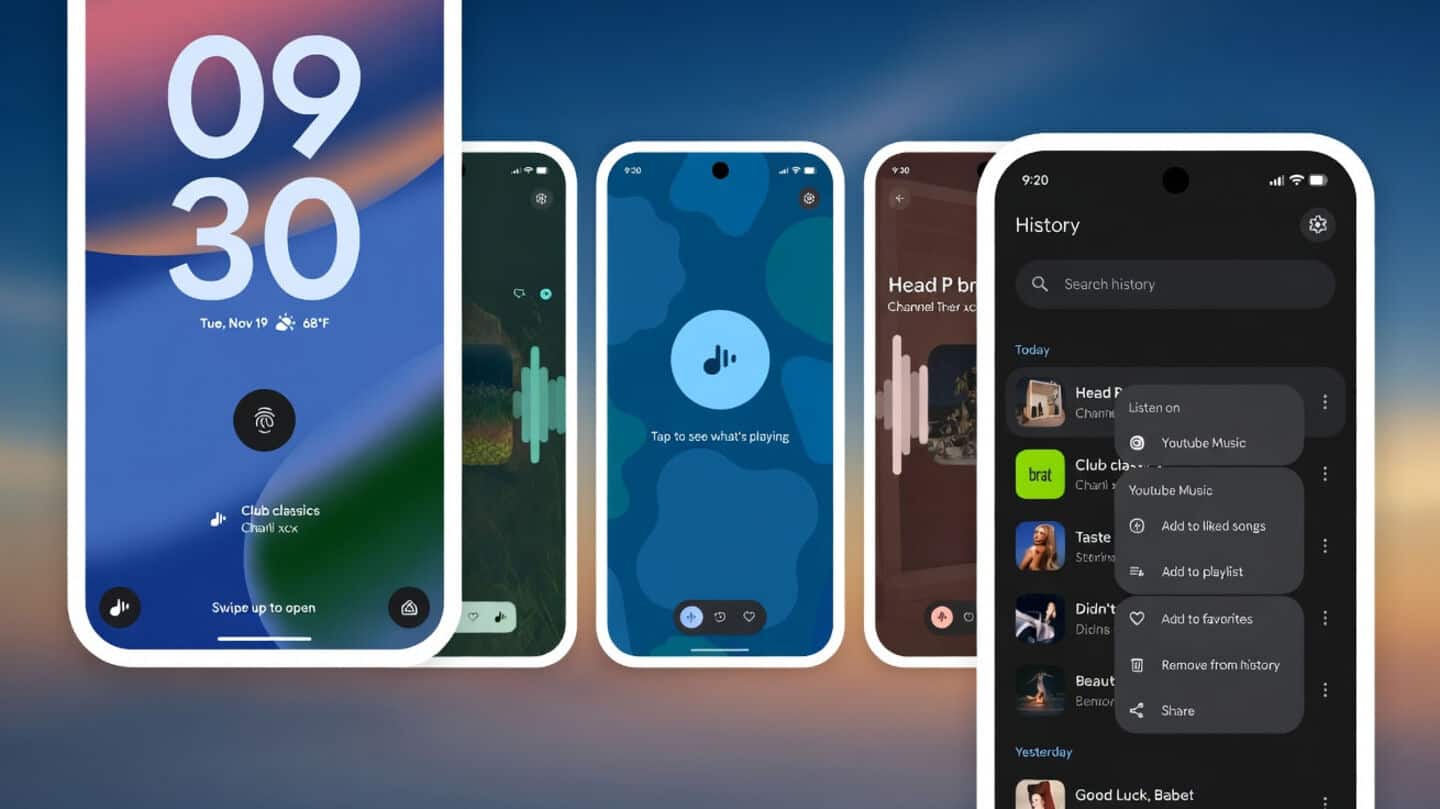
Google restores Pixel lock screen 'Tap to see what's playing'
Technology
Missed quickly checking what song is playing? Good news: Google just brought back the "Tap to see what's playing" feature for Pixel users.
Now, you can tap the "Tap to see what's playing" prompt beneath the fingerprint icon on your lock screen, and your phone will listen and identify the song, showing album art right there.
You can even favorite tracks or jump straight into your music app (no extra shortcuts or apps needed).
Install B.23 and update Now Playing
To use this handy feature, update to version B.23 of Android System Intelligence (find it in Settings > [your name] > All services under Privacy and security > System services).
Make sure you also update Now Playing from the Play Store.
The rollout starts today, so check for updates if you don't see it yet!