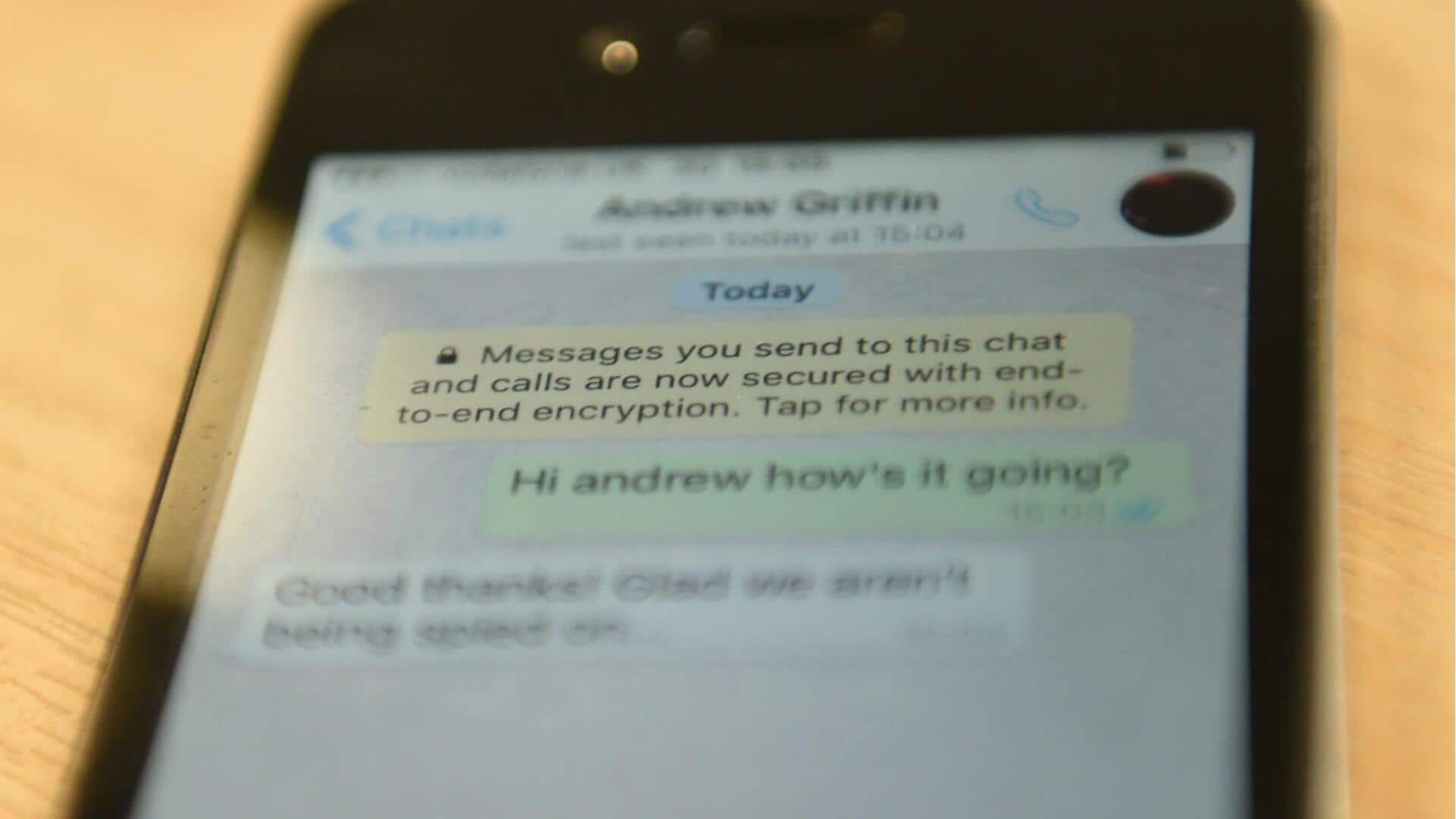
#TechBytes: How to secure your text messages
What's the story
In today's digital age, ensuring the privacy of your text messages is more important than ever. With the increasing number of threats to personal information, knowing how to secure your communications can save you a lot of trouble. Here are five effective ways to keep your text messages private and secure from prying eyes. These practical tips will help you safeguard your conversations without needing advanced tech skills.
Tip 1
Use encrypted messaging apps
Encrypted messaging apps are a must for keeping your conversations private.
These apps encrypt messages end-to-end, meaning only the sender and receiver can read them.
Popular options include Signal and WhatsApp, which offer strong encryption protocols.
By using these apps, you can ensure that even if someone intercepts your messages, they won't be able to decipher them.
Tip 2
Enable two-factor authentication
Two-factor authentication (2FA) adds an additional layer of security to your messaging accounts.
With 2FA enabled, you'll need to verify your identity with a second method, like a text code or authentication app, in addition to your password.
This makes it much harder for unauthorized users to access your account, even if they have your password.
Tip 3
Regularly update your software
Keeping your software up-to-date is critical for staying protected against new threats.
Developers frequently release updates that fix vulnerabilities and improve security features.
By regularly updating your device's operating system and apps, you can ensure that you have the latest protections against potential attacks on your text messages.
Tip 4
Be cautious with public Wi-Fi
Public Wi-Fi networks are often insecure, making it easier for hackers to intercept data transmissions, including text messages.
If possible, avoid sending sensitive information over public networks.
If you have to use public Wi-Fi, consider using a virtual private network (VPN) for an extra layer of encryption between your device and the internet.
Tip 5
Limit app permissions
Apps often request permissions that aren't necessary for their functionality, which can compromise your privacy.
Review the permissions granted to each app on your device and disable any that seem excessive or unnecessary.
By limiting app access to only what's required, you reduce potential vulnerabilities that could expose your text message content.