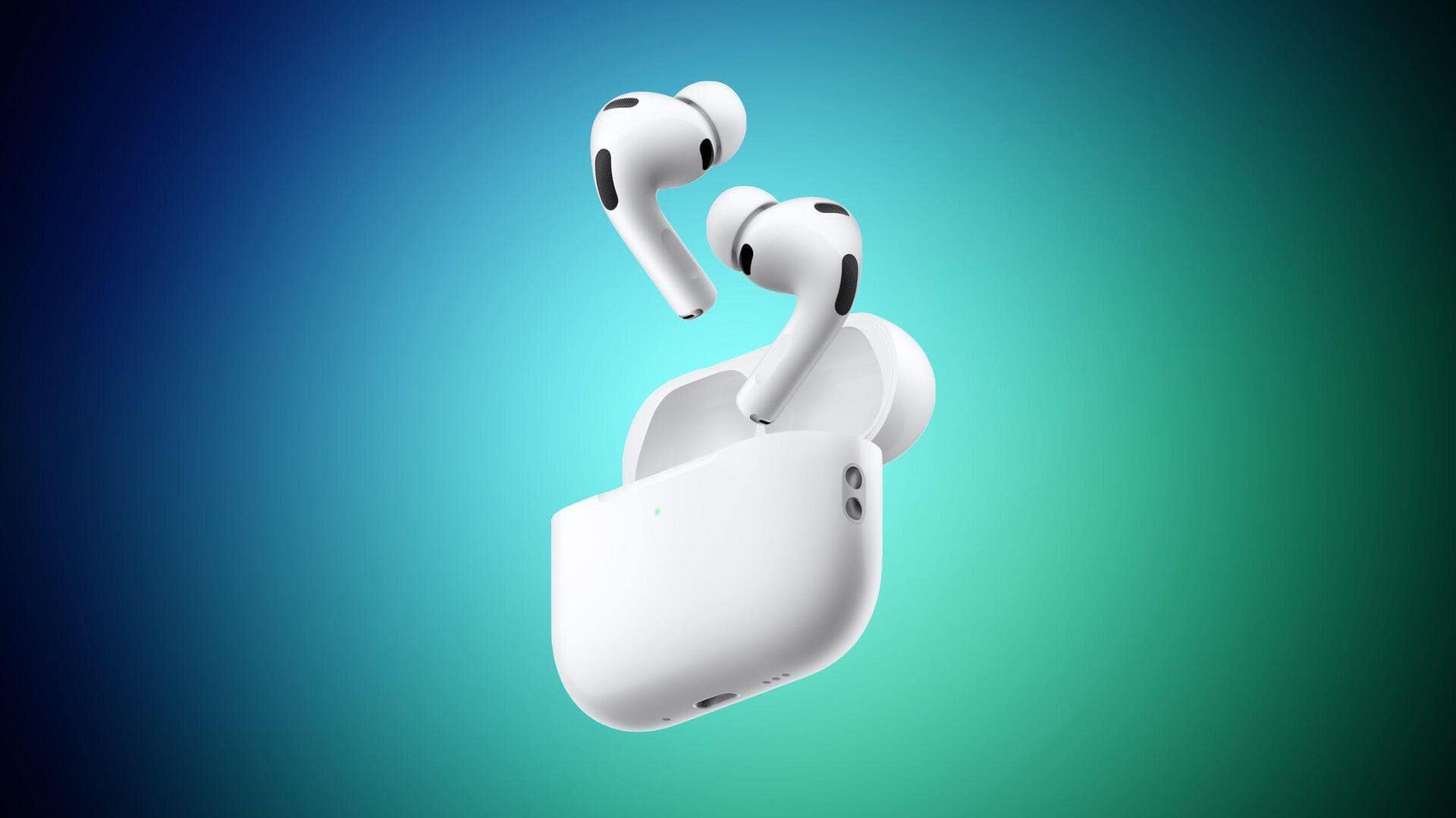
Just got your AirPods Pro? Here are some must-try features
What's the story
If you've just unwrapped a new pair of AirPods Pro, there's more to explore than just music and podcasts. The first thing you should do is make sure that your AirPods fit perfectly. This is crucial for optimal noise cancelation, comfort, and microphone performance. To check the fit, open the Settings app on your iPhone with the connected AirPods in your ears and tap their name at the top.
Mode switch
Exploring AirPods Pro's listening modes
The AirPods Pro comes with several listening modes.
These include Active Noise Cancellation, which uses outward-facing microphones to detect and counter external sounds with anti-noise; Transparency Mode that lets outside sound in; and Adaptive Audio that adjusts noise cancelation based on your surroundings.
With iOS 18 or later, you can customize Adaptive Audio for more personalized control over ambient noise levels.
Feature highlight
Conversation Awareness: A unique feature of AirPods Pro
Conversation Awareness is a unique feature of the AirPods. It automatically lowers audio volume and enhances voices when you start talking while wearing them.
Once the conversation ends, it automatically turns up the volume again.
You can find this feature in Control Center on your iPhone or in the AirPods menu of the Settings app.
Control options
AirPods Pro 3's force sensor controls
The AirPods Pro 3 comes with a Force Sensor on its stem for hands-free control.
You can play/pause audio, skip to the next track or go back to the previous one by double or triple pressing the stem respectively.
You can also answer calls by pressing the stem when you receive a call, and adjust volume by swiping up/down on it.
The functionality of this sensor can be customized in the AirPods menu of Settings app.
Gesture control
Head gestures and hearing health features
Along with Force Sensor, you can also control your AirPods Pro by nodding your head up or down.
This can be used to accept calls or reply to notifications/messages (by nodding) and decline calls or dismiss notifications/messages (by shaking).
You can enable this feature in the AirPods menu of the Settings app.
Apple has also added new hearing health features that let you take a hearing test with your AirPods Pro and use them as a hearing aid if needed.
Tech specs
Microphone features and Find My integration
The AirPods Pro also comes with a number of microphone features for calls or recordings.
These include Automatic mode that selects the best Mic Mode for your call or recording, Standard mode with standard voice processing, Voice Isolation that prioritizes your voice while blocking ambient noises, and Wide Spectrum that leaves ambient noises unfiltered.
The device also integrates with the Find My app on iPhone to help locate misplaced case or buds on a map in Find My.