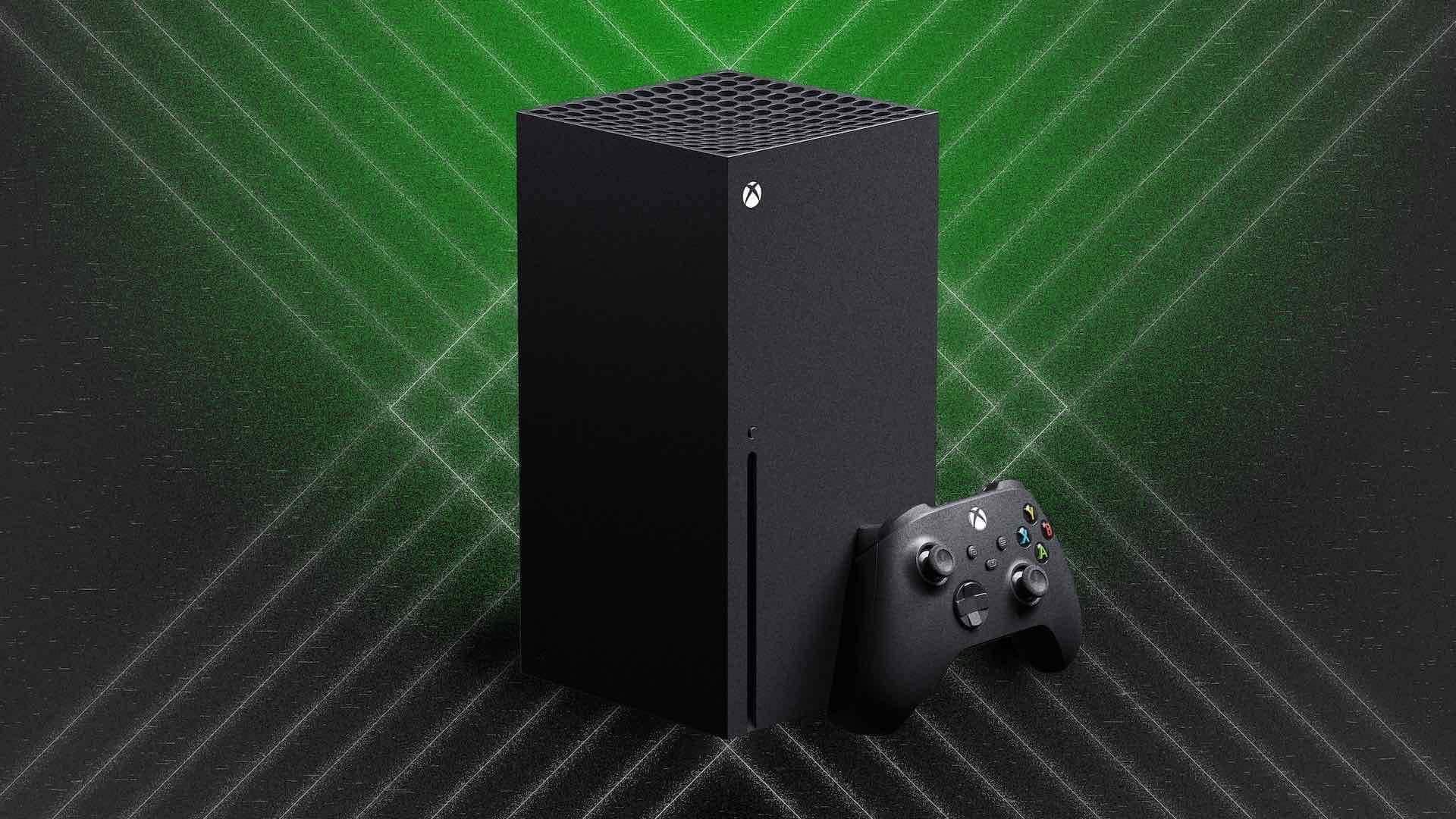
Xbox outage leaves thousands unable to access games; Microsoft responds
What's the story
Microsoft's Xbox services suffered a major outage on Monday, leaving thousands of players unable to access games and online features. The disruption was accompanied by the appearance of the 0x87e107df error code for many users. This code usually indicates that Xbox Live is unable to verify digital game licenses due to an issue with Microsoft's servers. Xbox Support has acknowledged on X, stating "Our engineers are actively working to mitigate the issue."
User reports
Issues reported by players
The outage was significant enough to draw over 3,000 reports on Downdetector, an outage-tracking platform.
However, even as the number of complaints started falling, many users continued to experience problems.
Some players reported being unable to launch games despite their consoles being connected to Xbox Live.
Others faced network-related messages, issues changing console settings, and repeated license verification failures.
Twitter Post
Take a look at the official statement
We are aware that some users are encountering errors when attempting to sign in, see your game library, or launch games. Our engineers are actively working to mitigate the issue. For updates, please follow along here or on https://t.co/Ehlmwc7gX0.
— XBOX Support (@XBOXSupport) July 27, 2026
Information
Users took to social media to report issues
Many users took to social media to report the 0x87e107df error, saying that restarting their consoles or reconnecting to the internet did not fix the problem. Some players also reported that titles such as Dead by Daylight were not loading properly due to this outage.
Error explanation
What does the error code mean?
The 0x87e107df error typically occurs when Xbox Live fails to verify ownership of a digital game.
This can be due to a temporary network issue or an outage affecting Xbox services.
When Microsoft's servers are down, users may not be able to launch digital games even if their internet connection is working normally.
Troubleshooting guide
How to fix the error?
To fix the error, Microsoft suggests users try a few steps.
These include switching the console to offline mode from Network settings, restarting their Xbox console, and reconnecting to the internet after restart.
Users should also check the official Xbox service status page for any ongoing outage.
If these steps don't work immediately due to a server-side issue, players will have to wait until Microsoft resolves it and Xbox services return to normalcy.