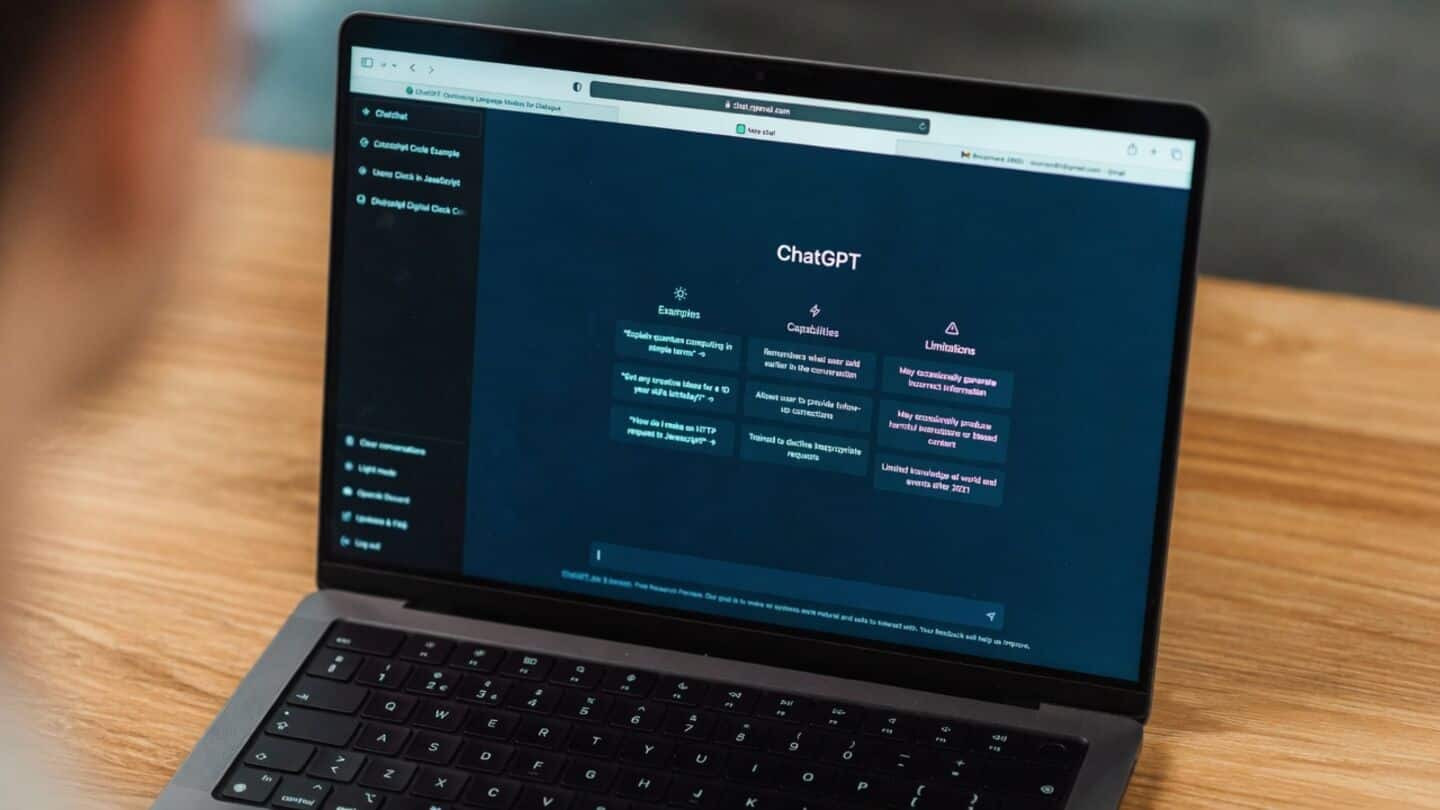
OpenAI adds desktop voice to ChatGPT, Work, and Codex
OpenAI just dropped voice features for Work and Codex features in the ChatGPT desktop app on Mac and Windows desktops.
Now, eligible users can talk to ChatGPT to start tasks, check progress, or give instructions, all hands-free.
Heads up, though: this is only for desktop apps right now, not web or mobile.
ChatGPT desktop voice requires paid accounts
With voice enabled, Work can access your local files and desktop apps (if you say it is okay), while Codex handles software tasks and gives real-time spoken updates using GPT-Live technology.
The catch? You will need an eligible paid account, and availability depends on your plan, region, and workspace settings, and administrators might need to switch it on for schools or companies.
Voice use counts toward your Work and Codex limits instead of a separate quota.