OpenAI makes deep research more usable with full-screen mode
What's the story
OpenAI has enhanced its ChatGPT deep research tool with a full-screen viewer. The new feature allows users to scroll through and navigate specific sections of AI-generated reports. As demonstrated in a video released by OpenAI, the integrated viewer opens ChatGPT's reports in a separate window from the chat interface. It displays a table of contents on the left side and a list of sources on the right.
Tool functionality
You can now direct ChatGPT to specific websites
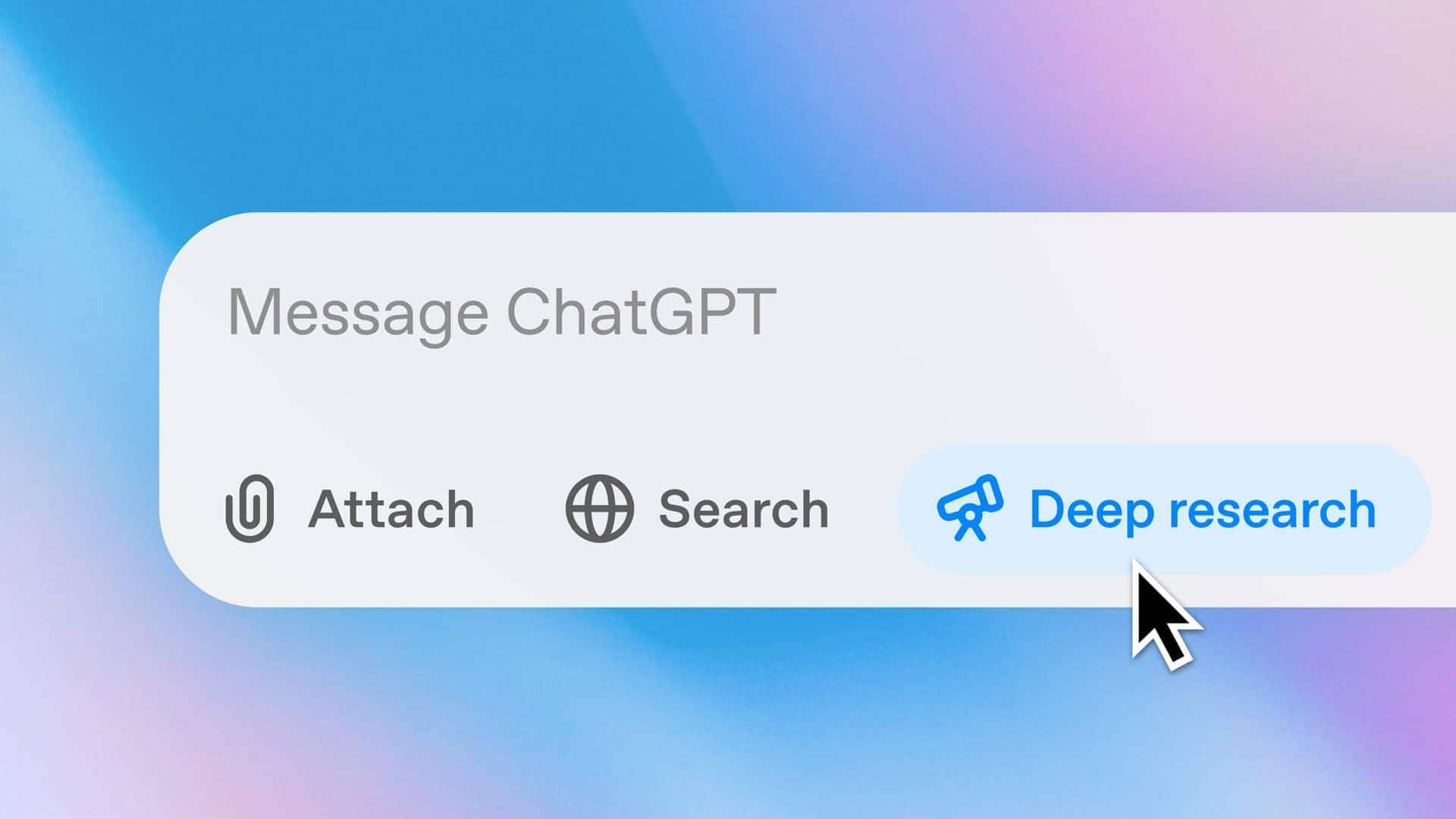
The deep research tool, launched by OpenAI last year, lets ChatGPT scour the web for detailed reports on user-specified topics.
The latest update also allows users to direct ChatGPT's research toward specific websites and related apps.
You can even monitor the chatbot's progress in real-time and modify its research scope or add new sources while a report is being generated.
Report accessibility
Download reports in formats like Markdown, Word, and PDF
Once the report is generated, users can download it from the new viewer in various formats such as Markdown, Word, and PDF.
This feature enhances the accessibility of AI-generated reports by offering different file format options to suit user preferences.
The update is now available for Plus and Pro users of ChatGPT.