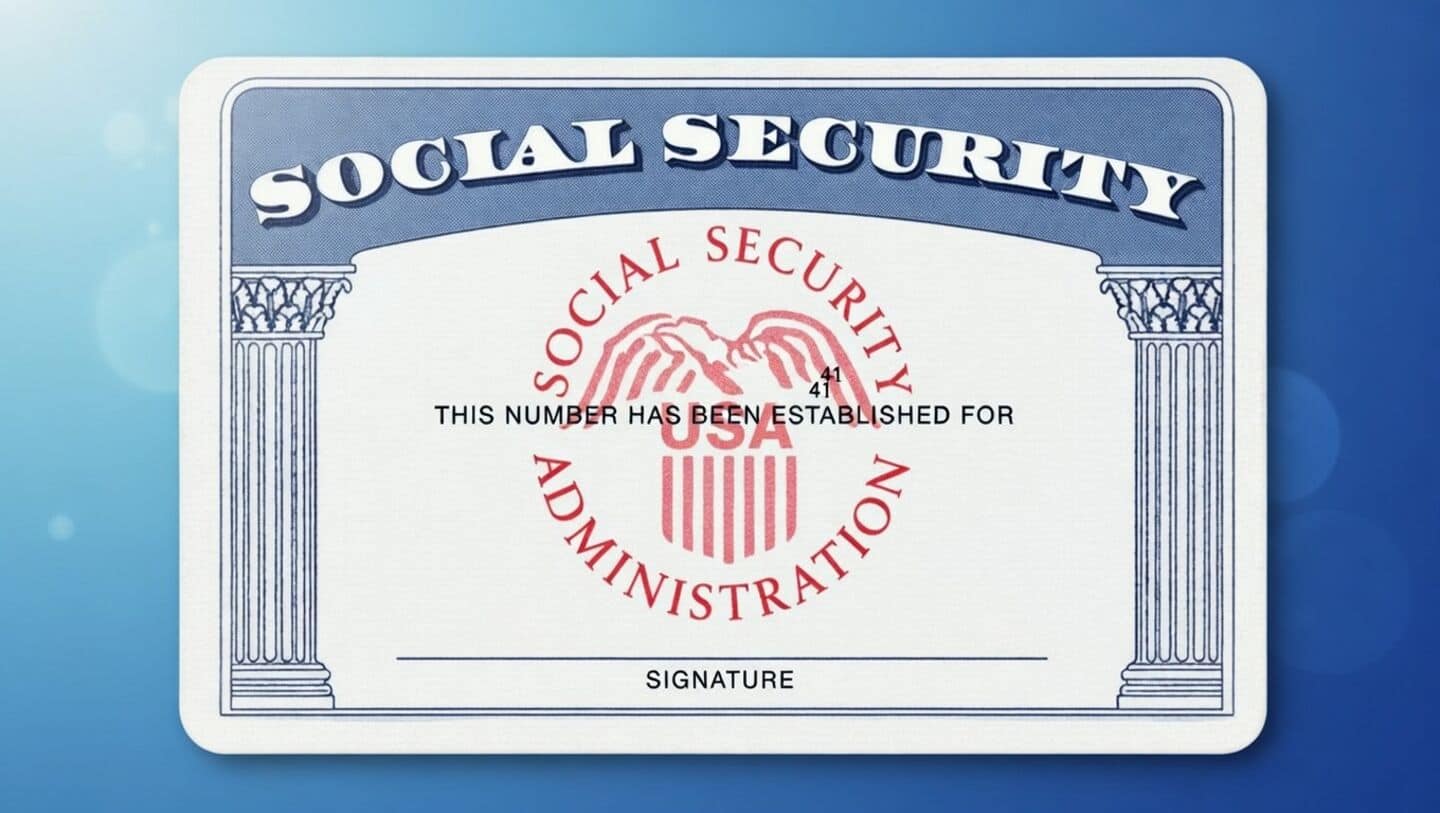
Phishing emails impersonate Social Security Administration, genuine messages use .gov
Technology
Heads up: scammers are sending emails that look like they're from the Social Security Administration, hoping to trick you into giving up personal info.
These messages often push you to click links or download files, but real SSA emails only come from addresses ending in .gov.
Delete and report suspicious SSA emails
If something feels off about an email, delete it immediately and report it (don't click any links or open attachments).
Always access your Social Security account by typing ssa.gov/myaccount directly into your browser.
If you spot a scam, report it to the SSA Office of the Inspector General or the FBI Internet Crime Complaint Center as soon as possible.
And remember: Social Security will never ask for urgent payments or weird stuff like gift cards.