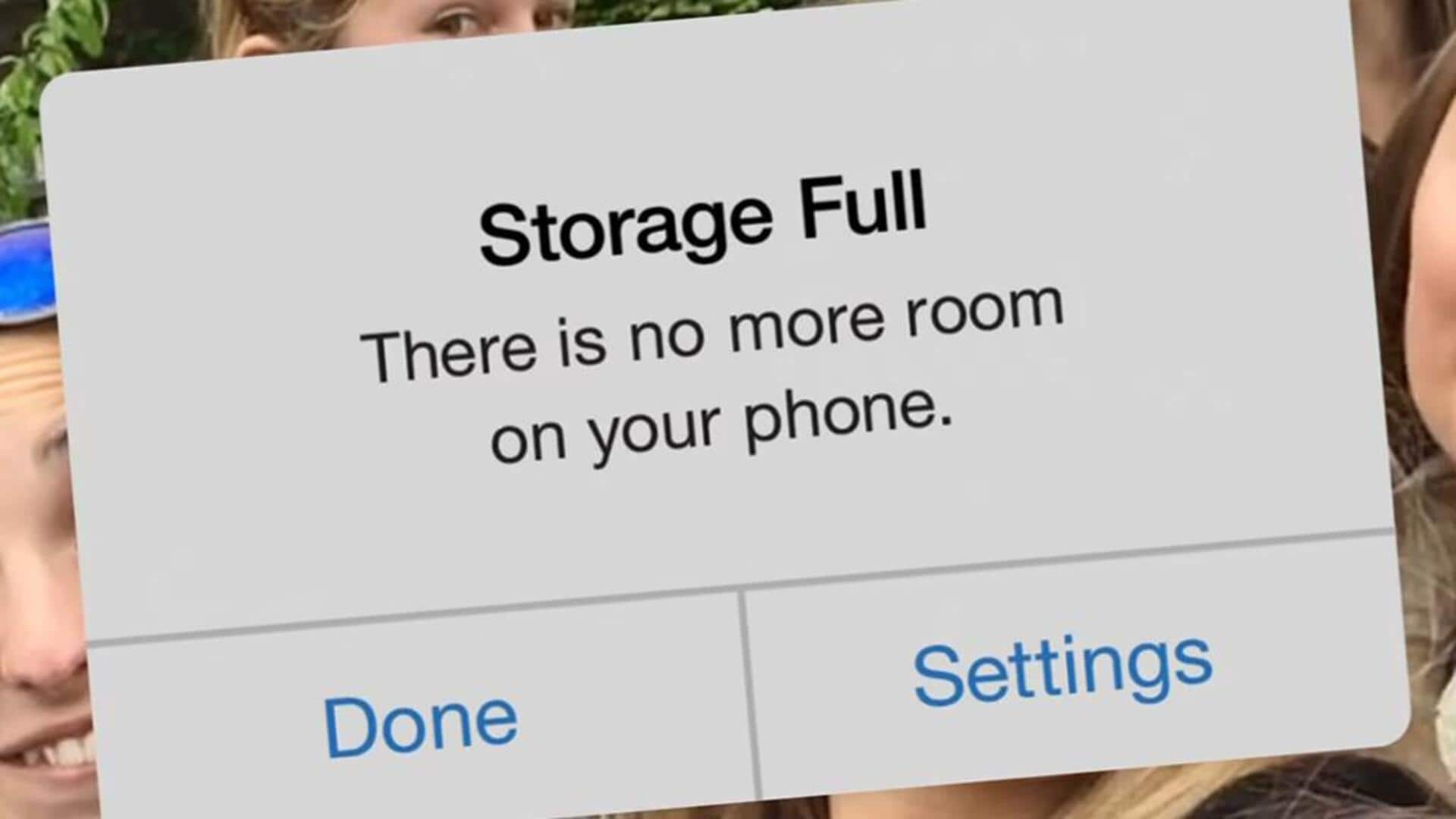
These hacks can solve your 'no space for photos' problem
What's the story
Smartphones have become our go-to devices for capturing memories, but they can quickly run out of storage with all those photos. Managing this storage efficiently is key to ensuring your phone runs smoothly and you don't miss out on capturing important moments. Here are some practical tips to help you free up space without losing out on those precious memories.
Tip 1
Use cloud storage solutions
Cloud storage solutions like Google Drive, iCloud, and Dropbox can be a lifesaver when it comes to managing photo storage.
By uploading your photos to the cloud, you can free up space on your device while still having access to your images from anywhere with an internet connection.
Most services offer a certain amount of free storage before charging for additional space.
Tip 2
Regularly delete unwanted photos
Going through your photo library every now and then is a good way to get rid of unwanted pictures.
Delete duplicates, blurry shots, or images that don't serve a purpose anymore.
This not only frees up space but also makes it easier to find the photos you actually want to keep later.
Tip 3
Optimize photo settings
Adjusting your camera settings can also help in saving space.
For instance, reducing the resolution of photos or opting for less data-heavy formats like JPEG instead of RAW can go a long way in saving storage.
Some smartphones also offer an option to optimize photo storage by keeping full-resolution images in the cloud and lighter versions on the device.
Tip 4
Utilize external storage options
External storage options like USB drives or SD cards (if your phone supports them) provide an easy way to offload photos from your device.
Simply transfer files onto these external devices periodically, and you can keep your phone's internal memory clear while still keeping a backup of all your memories.
Tip 5
Take advantage of built-in tools
Many smartphones come with built-in tools that help manage photo storage more efficiently.
Features like automatic backup to cloud services, suggested deletions for similar photos, or even organizing images into albums based on date and location can go a long way in keeping things organized and freeing up space.