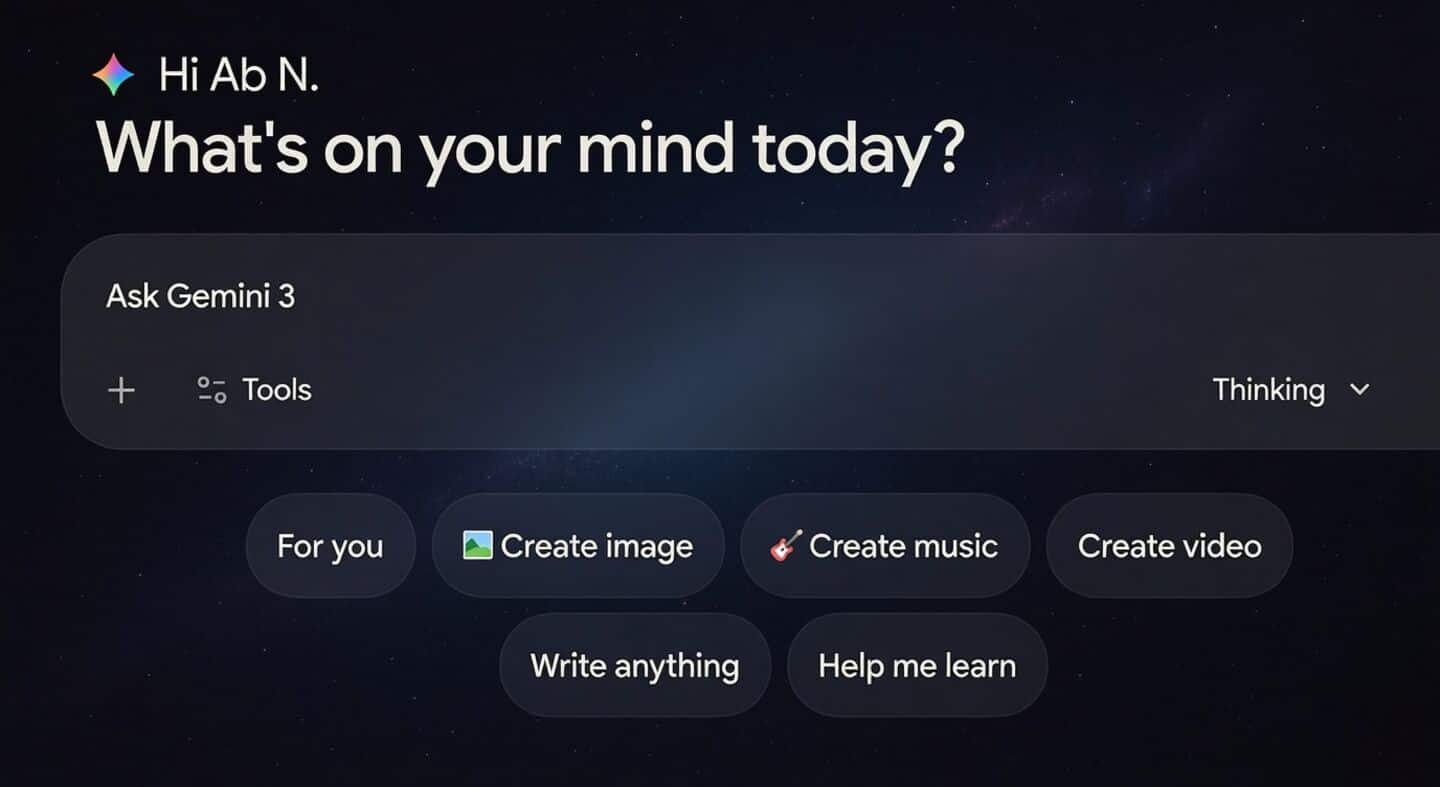
You can now import your ChatGPT, Claude chats into Gemini
Google is rolling out an easier way to bring your old AI conversations into Gemini.
With the new update, you can now import chat history from ChatGPT or Claude into Gemini; a separate Import memory feature lets users paste exported memory or context from other assistants into Gemini.
Just head over to "Settings & help" and look for "Import memory to Gemini."
This feature is rolling out with the latest Gemini 3.1 Flash Live update.
How to import your previous chats
Export your chats from ChatGPT or Claude, then upload up to five .zip files (maximum 5GB each) per day into Gemini.
Imported chats are clearly tagged so you can find them easily, and you're free to update or replace them anytime by re-uploading new files.
For now, this option isn't available in the EEA, Switzerland, or UK but everywhere else, it's a handy way to keep all your AI conversations in one place.