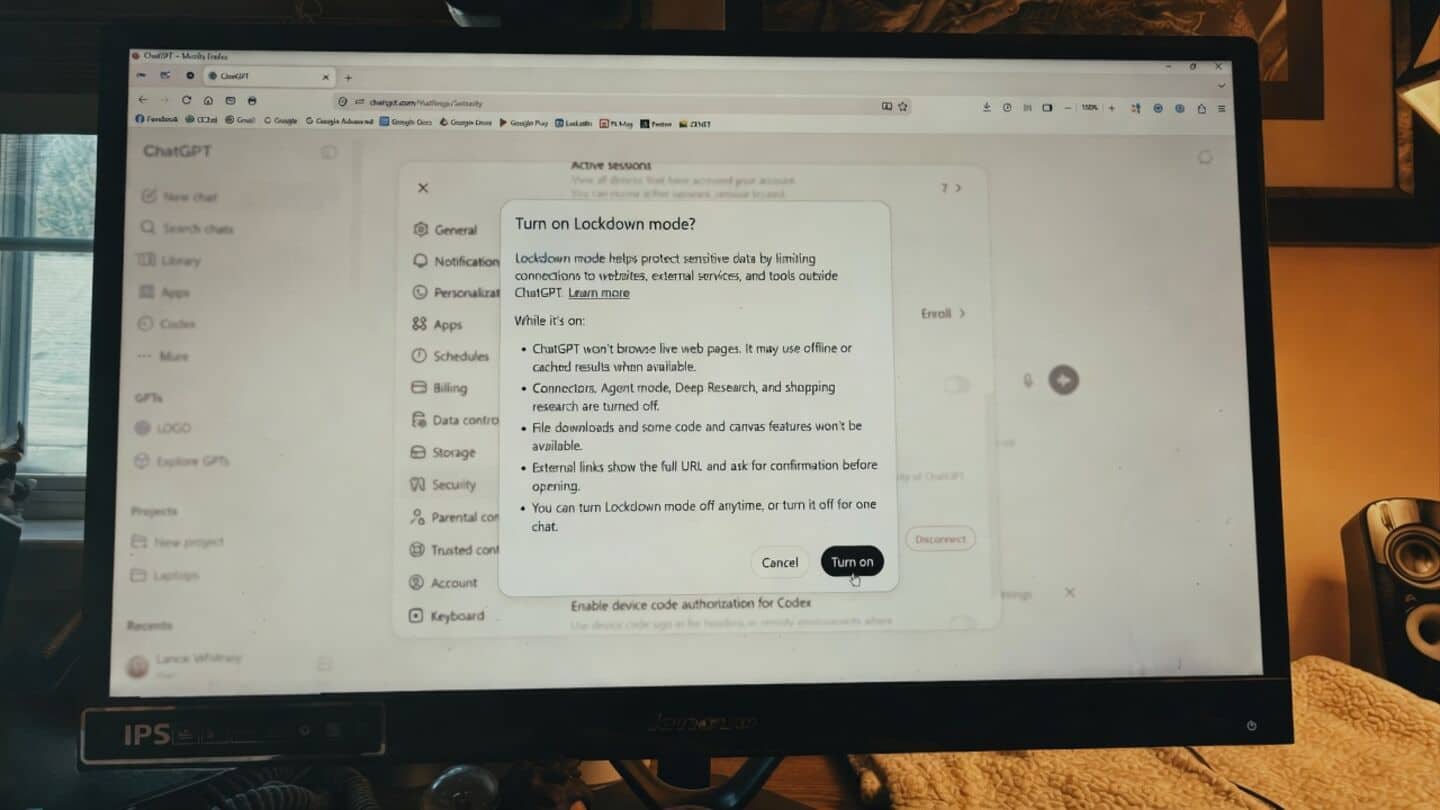
ChatGPT opens lockdown mode to Free, Go, Plus, Pro, Business
ChatGPT just made its Lockdown mode open to everyone, including Free, Go, Plus, Pro, and Business users. This security feature was previously only for Enterprise, Edu, Healthcare, and Teachers since February 2026.
Lockdown mode is designed for anyone working with sensitive information who wants extra protection from online threats.
Enable Lockdown mode on ChatGPT
When you turn on Lockdown mode, features like live web browsing, viewing outside images, downloading files for analysis, deep research tools, Agent mode, and the Canvas networking tool all get switched off.
You can still upload files if you need to.
To set it up: log in to ChatGPT > head to Settings > Security > scroll down to the section for Advanced Security > and then turn on the switch for Lockdown Mode.
It's a simple way to keep your data safer if you're worried about privacy or hacks.