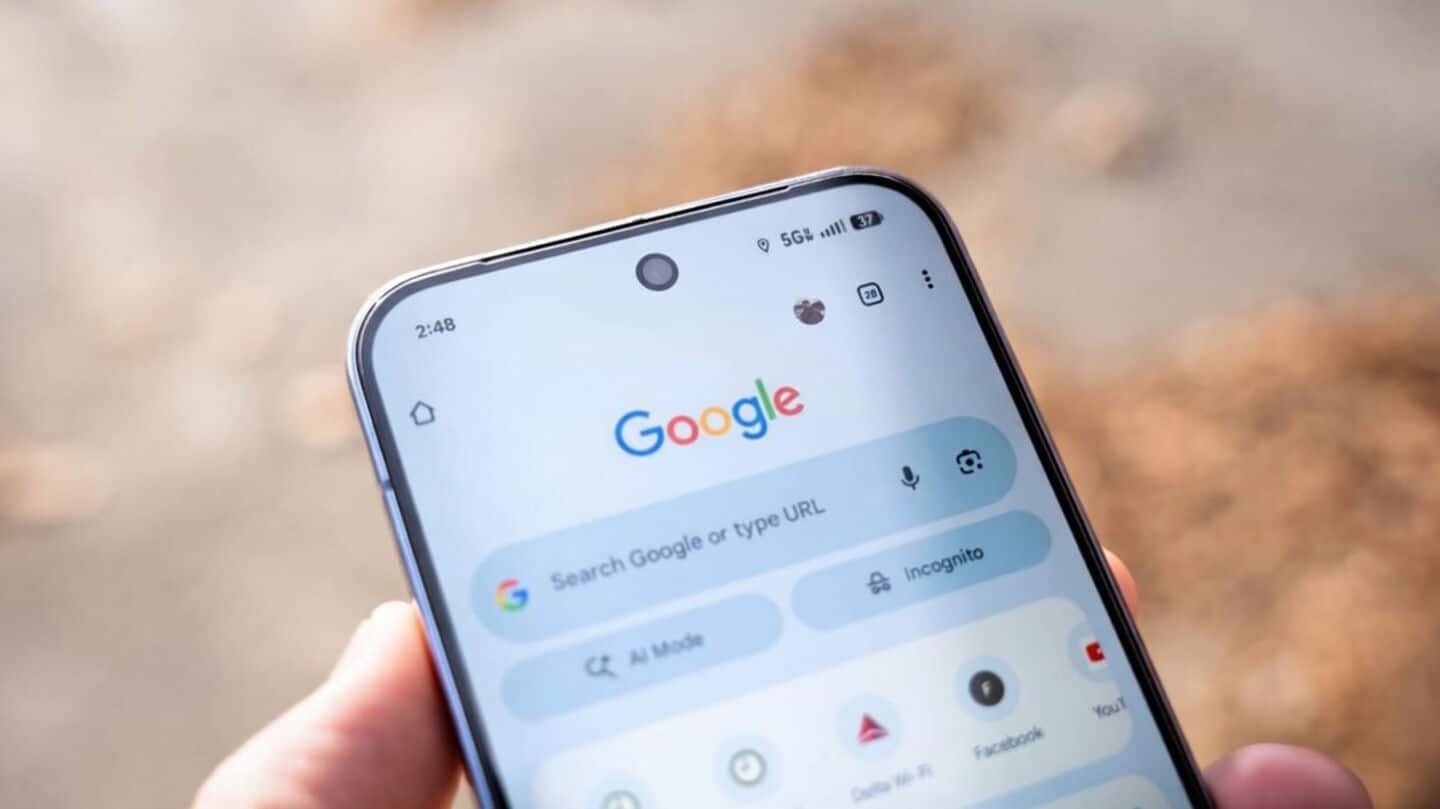
Chrome for Android adds desktop-style bookmarks bar on tablets, foldables
Chrome for Android just got a handy upgrade: a desktop-style bookmarks bar for tablets and foldables.
Rolling out with Chrome version 146 (mid-March 2026), this feature puts your favorite sites right on the browser screen: no more digging through menus.
Access your bookmarks faster
Now, you'll see favicons, site names, and folders lined up below the search bar.
Need all your bookmarks? Tap "All bookmarks."
Want to check a link? Just long-press any item to see its URL.
It's all about getting where you want faster.
How to enable the bookmarks bar?
The bookmarks bar hides on phones to save space but pops up on tablets and foldables, sitting nicely alongside your tabs.
If you have too many bookmarks, an overflow icon lets you access the rest without clutter.
A quick note for users
To try it out: update Chrome via the Play Store, then head to Settings > Appearance and toggle "Show bookmarks bar."
If it's missing, try force-stopping Chrome.
Right now, this is only for tablets and foldables, not phones yet.