Google launches Skills for Chrome desktop saving Gemini AI prompts
Technology
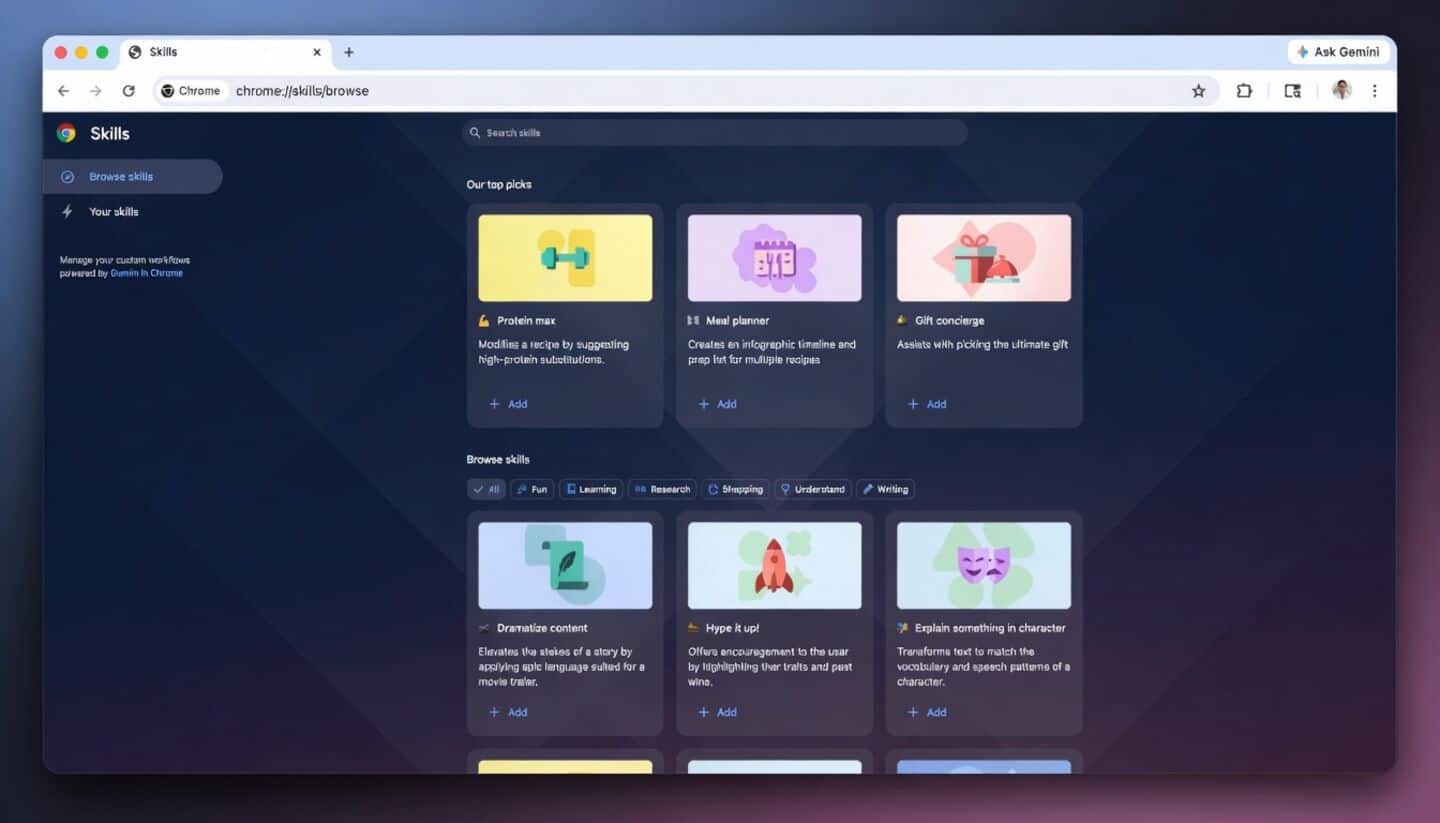
Google just launched "Skills" for Chrome desktop, letting you save and quickly reuse your favorite AI prompts with Gemini.
All you have to do is type a forward slash or hit the plus button in the chat and select the Skill from the menu, so jumping between tasks or tabs feels a lot smoother.
Prebuilt recipe, comparison and summarizer helpers
Skills also come loaded with ready-made helpers: think calculating protein macros for any recipe you find on the web, comparing products, or pulling key information from long documents.
Some features might ask for permission (like sending emails) to keep things secure.
If you want to try it out, just type a forward slash in Gemini and tap the compass icon; it's rolling out now for Chrome desktop users with their language set to US English.