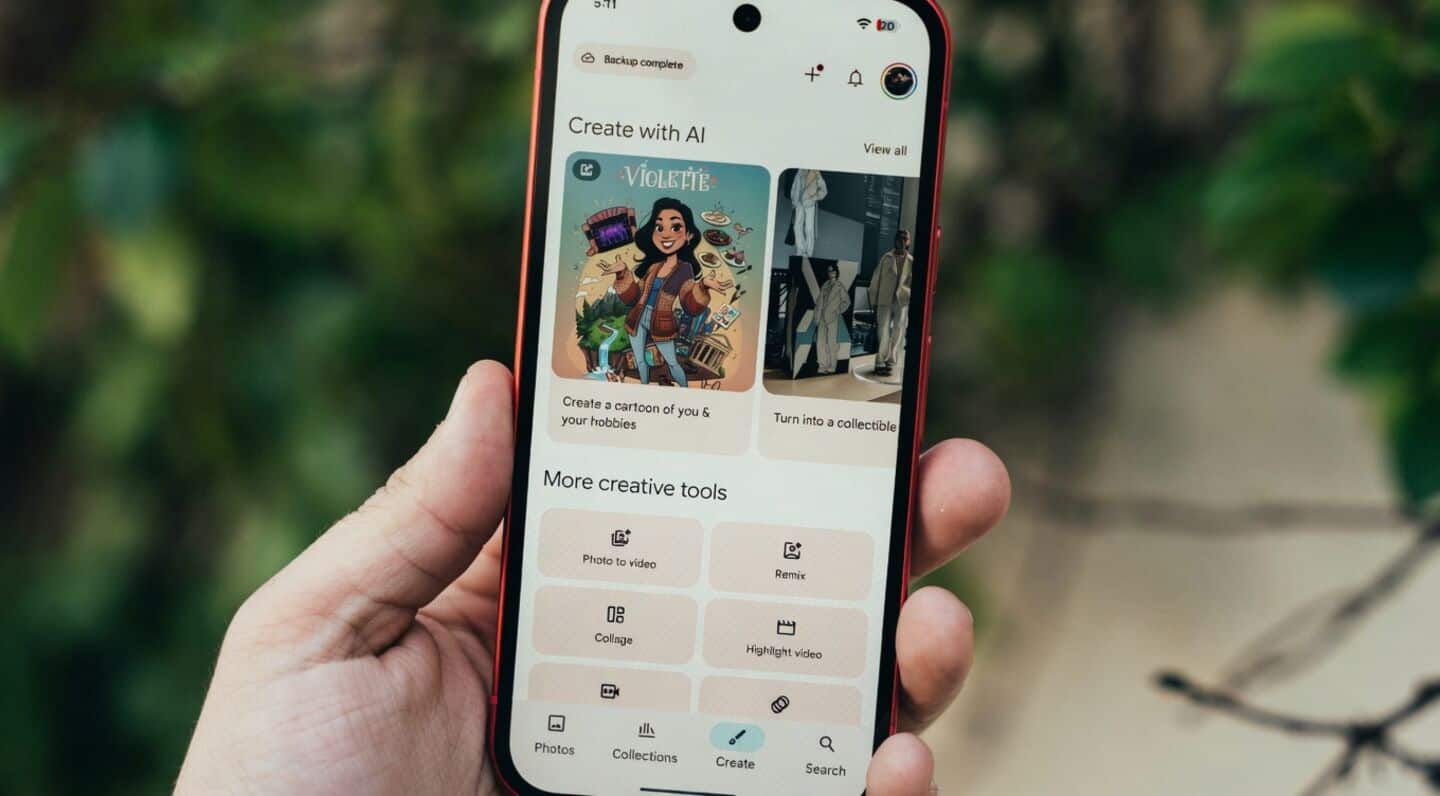
Google Photos for Android gains shimmer toggle, Material 3 redesign
Technology
Google Photos for Android just got a little more user-friendly.
There's a new "shimmer" toggle so you can turn off that effect highlighting people or objects in your pictures: find it in Settings > Preferences or the three-dot menu.
Plus, the app's Settings now look cleaner thanks to a Material 3 Expressive redesign.
Google Photos adds floating camera button
You'll also notice a handy floating camera button inside AI tools like Remix and Photo to video, making it way easier to snap a picture on the spot instead of digging through your gallery.
While some settings have the fresh look, some sections like Notifications and Sharing are still catching up, so expect more changes soon.