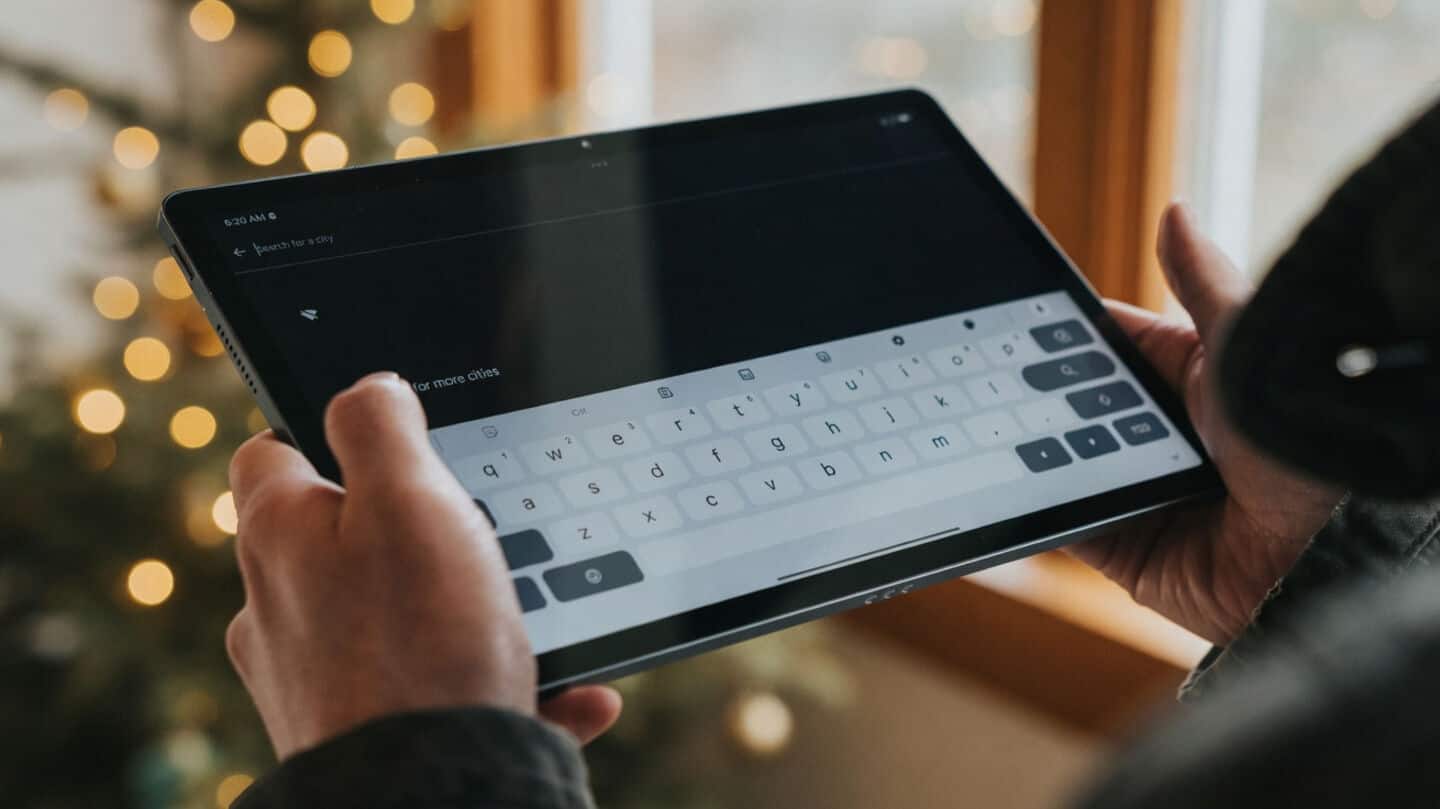
Google updates Gboard for Android with pill shaped shortcut buttons
Technology
Google is rolling out a fresh new look for Gboard on Android.
With version 17.7, the shortcuts page now swaps its old boxy cards for pill-shaped buttons that are bigger and easier to spot, making everything feel cleaner and more user-friendly.
Gboard adds 2 column swipe reorder
The updated layout uses a two-column design with smooth horizontal swiping, so scrolling through shortcuts like "Writing Tools" is simpler than ever.
Plus, you can tap the pencil icon to easily drag and rearrange your favorite tools, giving you more control over how your keyboard looks and works.
The update also brings small tweaks like swapping the back button for an "x" to close menus, keeping things modern and tidy.