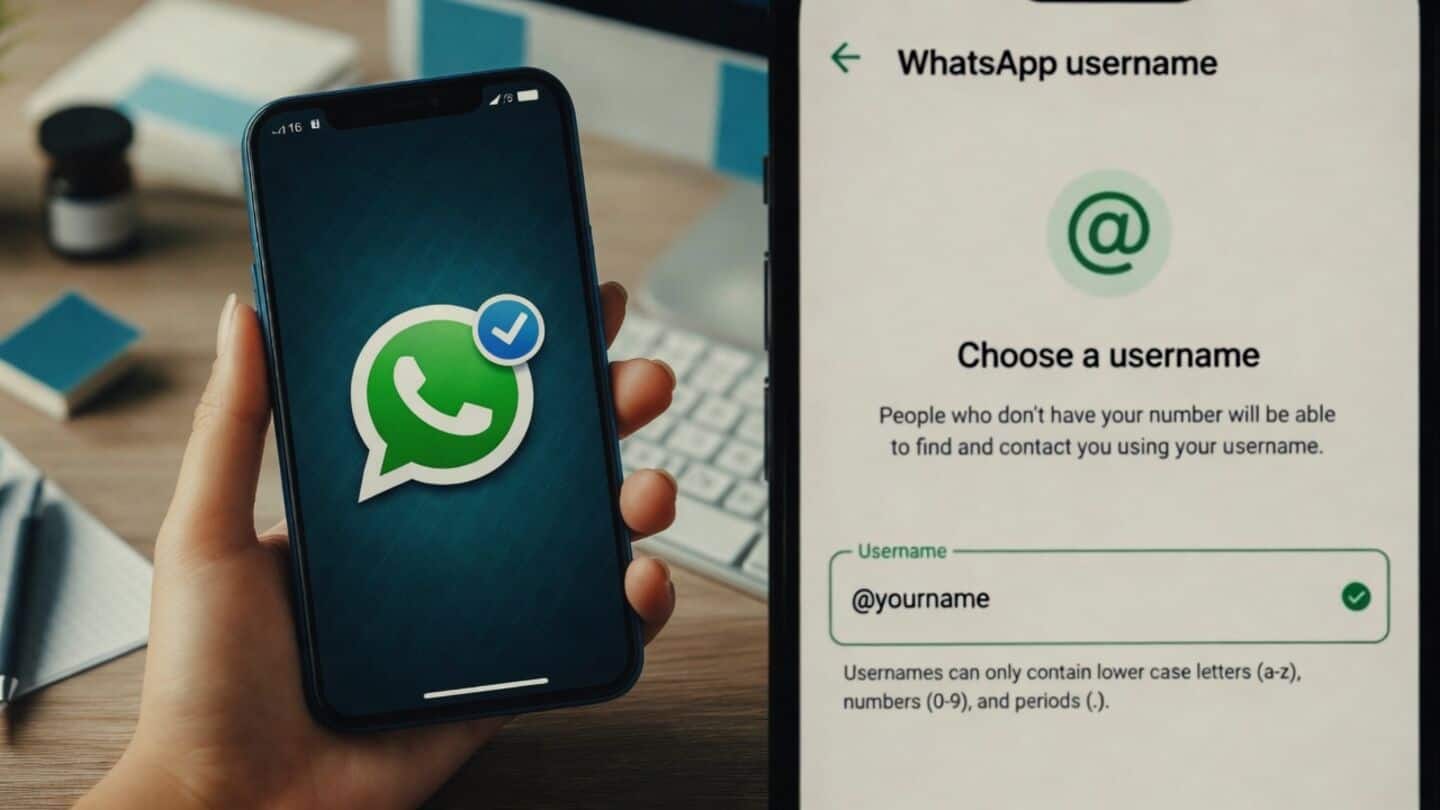
WhatsApp username feature: Meta gets extension to answer government concerns
What's the story
The Indian government has given Meta, the parent company of WhatsApp, an additional three-day extension to respond to its concerns over the proposed username feature. The extension comes after a delegation from Meta met officials from the Ministry of Electronics and Information Technology (MeitY) last week. During these discussions, officials raised concerns about digital security and scams, highlighting potential red flags with this new feature.
Security concerns
Impersonation scams could see a massive rise
Cybersecurity experts have warned that the introduction of usernames, which are intended to keep phone numbers private, could lead to an increase in impersonation scams.
Fraudsters could pose as celebrities or authority figures and trick people into giving them money.
In 2025 alone, digital arrests and cyber thefts cost Indians nearly ₹22,500 crore.
Company response
Meta has assured the government about its defense mechanisms
In response to the government's concerns, Meta has assured that it has multiple layers of defense in place. These include algorithms designed to detect and block patterns of digital fraud.
The company also said that high-profile names such as public figures, government entities, and celebrities have been withheld so they can be claimed by their rightful owners.
There will also be restrictions on accounts attempting to contact multiple users at once.
Feature details
How the username feature works
The username feature is designed to enhance privacy by keeping phone numbers hidden in certain situations, like when being added to large group chats or messaging someone for the first time.
Users can choose a unique username that others can use to contact them instead of their phone number.
Usernames must be between three and 35 characters long and are not searchable or suggested by the app.
User control
A 'username key' will also be provided to users
The username feature also offers users a "username key" to control who can contact them.
First-time messages via their username require this key, providing an extra layer of protection.
The key can be changed at any time. Once the feature is live, if you use a username, your phone number won't be visible when messaging someone or a business for the first time.